A site per loss
Every claim address is its own site; close it at the end and its history stays for the file.
Restoration crews water · fire · mold · after-hours
A restoration job starts with an emergency call at any hour, goes on with daily drying visits, and ends with demo and rebuild. Each visit is short, often in a basement with no signal, and every hour has to be backed up for the file. GEOTT records each visit on the job's geofence, works offline, and adds up the hours per loss.
$7 per active worker a month · works in basements without signal · 15-day trial, no card
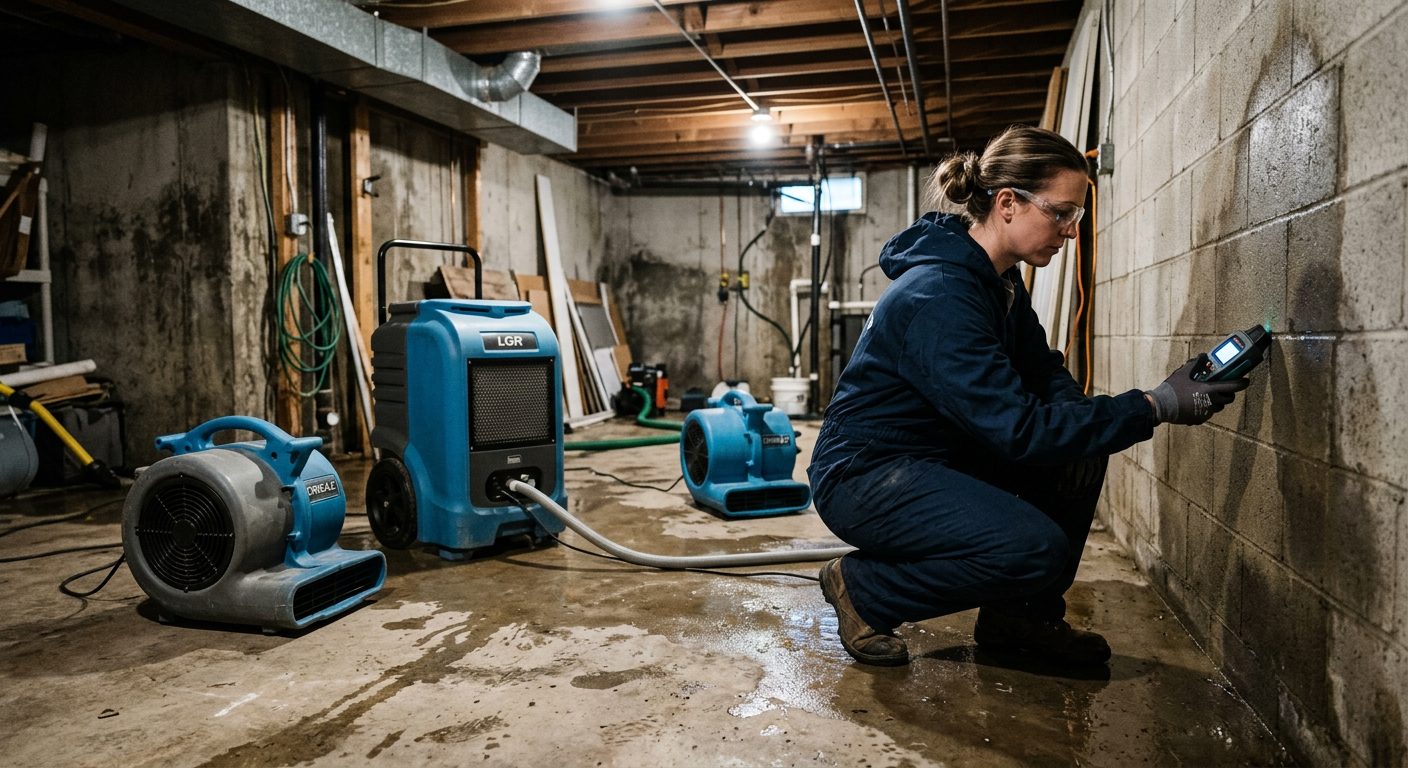
Because the work comes in bursts. A crew answers a midnight call, a tech drops in for 40 minutes each day to read moisture, then the demo crew spends two days on site. Paper sheets lose the short visits and round the night calls. GEOTT records every visit on the job it belongs to, with its real start and end.
| Phase | Typical problem | What GEOTT records |
|---|---|---|
| Emergency response | Called at 2 a.m., hours guessed the next day | Clock-in at the property at 2:47 a.m., night window applied |
| Drying and monitoring | Daily 30-minute visits forgotten on the sheet | Each visit as a site change on that job |
| Demo and cleanup | Basement, no signal | Clock-ins saved on the phone, synced later |
| Rebuild | Crew moves between three jobs | Hours split per job at clock-out |
A sample job with invented times: a burst pipe in a finished basement. Over five days GEOTT records 30.5 crew hours on that loss, from the night call to the last moisture reading, each visit with its own clock-in inside the property's circle. The by-project export gives the total for the file.
| Day | Visit | Crew hours | Note |
|---|---|---|---|
| Day 1, 2:47 a.m. | Emergency extraction | 9.0 | 2 techs, night window applied |
| Day 1, afternoon | Demo of wet drywall | 12.0 | 3 techs, no signal in basement |
| Day 2 | Monitoring | 1.5 | Readings, equipment moved |
| Day 3 | Monitoring | 1.0 | Site change from another job |
| Day 4 | Monitoring | 1.0 | — |
| Day 5 | Final readings, equipment pickup | 6.0 | 2 techs |
GEOTT is a time clock: estimates, moisture logs and photos stay in your restoration software. What GEOTT adds is a record of who was on the property, when, for how long. On an iPhone, visits saved without signal upload when GEOTT is next opened with coverage.
As fast as they arrive. An admin can create the job from the office while the crew drives, or on the doorstep with "I'm here", which reads the admin's own position once. The crew clocks in with one tap. A reminder can check, at the time you set, that nobody forgot to clock out after a long night.
Every claim address is its own site; close it at the end and its history stays for the file.
A night-work window counts after-hours time in its own category, the same way every time.
Clock-ins are kept on the phone and sent later, with the original time and the geofence check already done.
Every edit to hours keeps who, when, before and after, and why. That's what makes the record defensible.
Under open sky phones are typically within 4.9 m (16 ft), says GPS.gov; inside and underground the error grows. Ask techs to clock in at the door, then go down to the basement. A home needs a small circle, a commercial building a larger one.
More: geofence time tracking.
| Loss | Suggested radius |
|---|---|
| Single-family home | 60 m (about 200 ft) |
| Apartment building | 120 m (about 395 ft) |
| Commercial building | 150 m (about 490 ft) |
| School or campus | 300 m (about 985 ft) |
$7 per technician who clocked in that month. Ten techs cost $70 in a month when all of them worked; after a quiet month with six on calls, $42. Project managers and estimators who don't clock in are free. No base fee, no charge per job.
More examples: GEOTT pricing.
Restoration questions
One that records short visits and night calls on the right job, works in basements without signal and keeps a log of every correction. GEOTT does those for $7 per active worker, from a link on any phone, with a 15-day trial and no card.
No. Estimates, moisture maps, photos and insurer communication stay where they are. GEOTT records labor time: who was on the property, when and for how long, with the hours per job in an Excel export.
The session closes on its own after the limit you set and is flagged. The tech can request a correction with a reason; a manager approves it, and the change stays in the log. No 20-hour shift lands on payroll by accident.
GEOTT reads the technician's phone position only at clock-in, site change and clock-out, to check it against the job's circle. It records nothing else about the property and nothing between punches.
Any company whose people start the day on a job site instead of in an office. Each page takes one trade, its typical day and the radius that fits its sites.
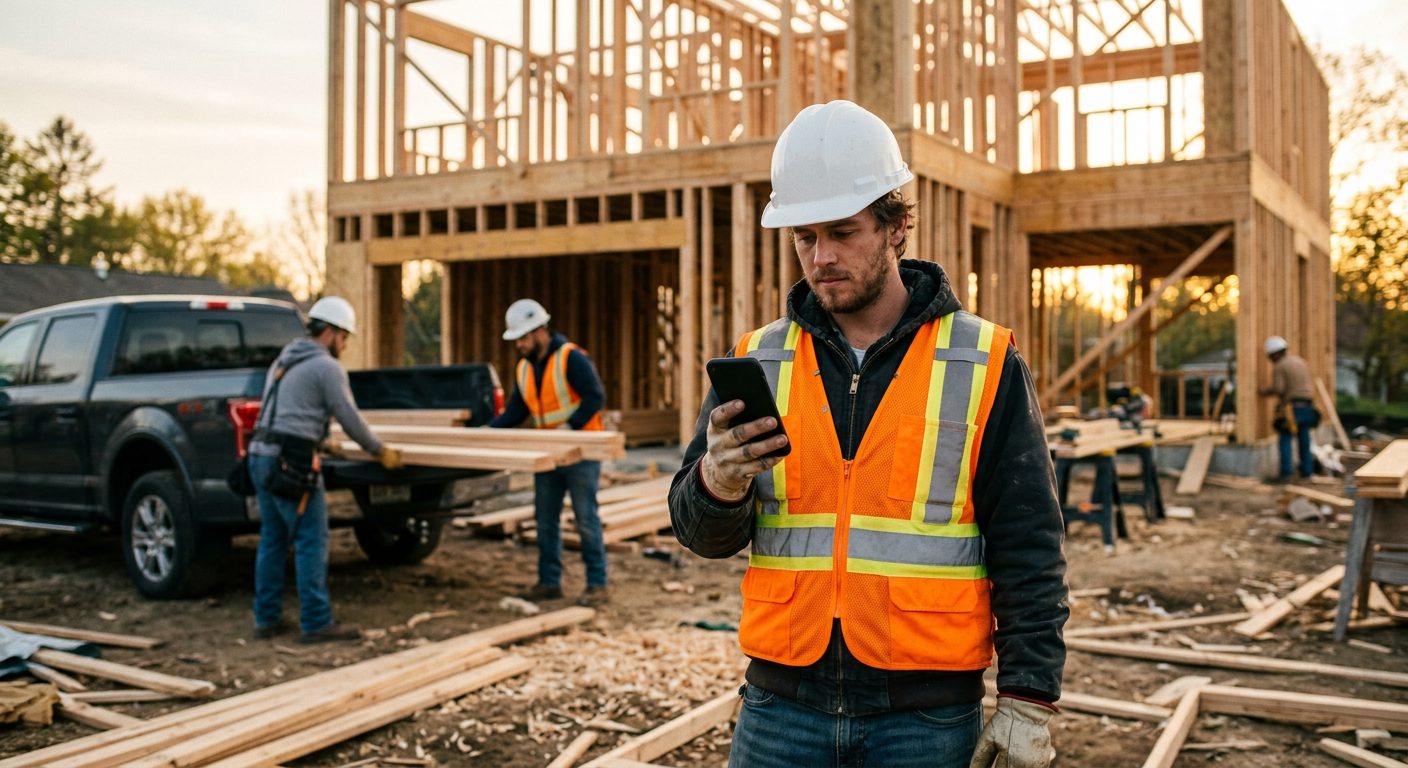 Construction Two or three sites a day, basements with no signal.
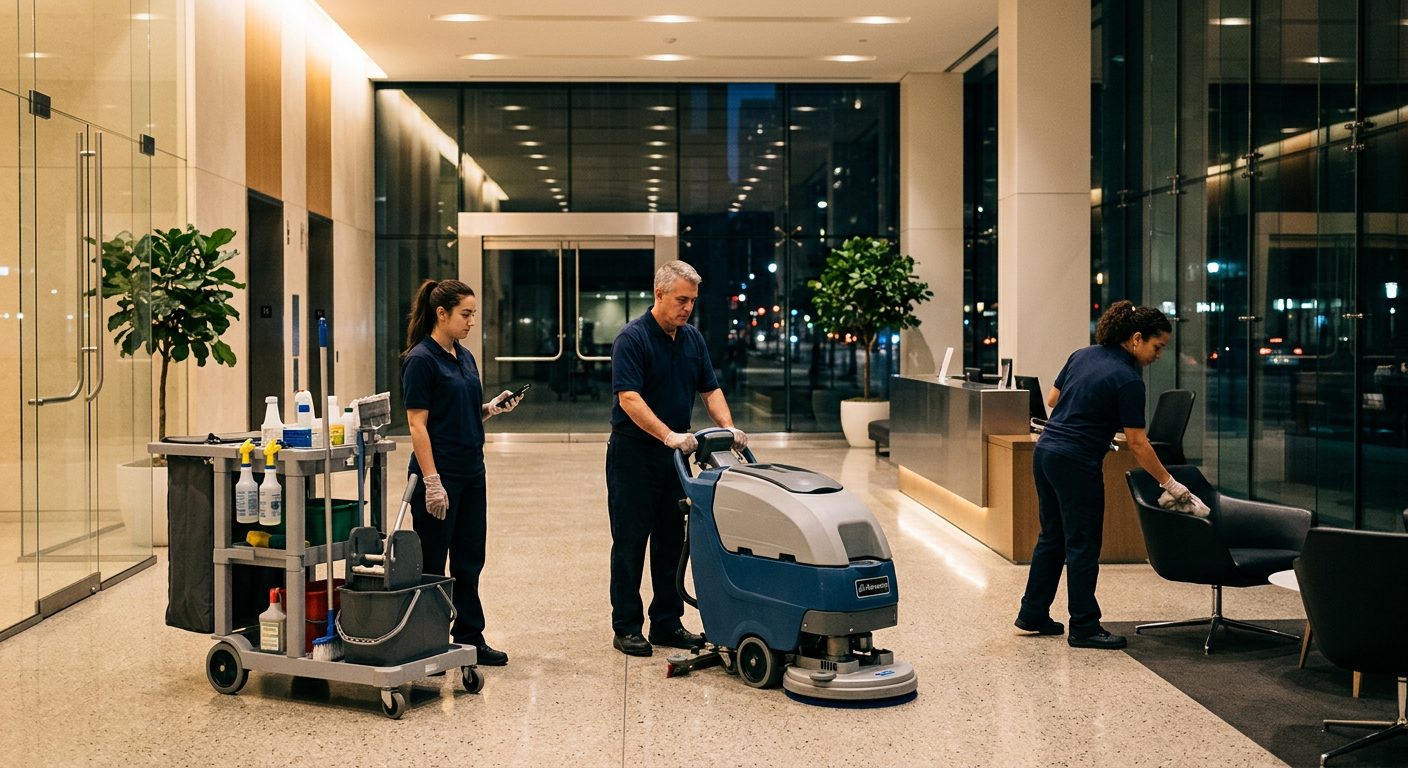 Commercial cleaning Many buildings a night, short shifts, hours per building.
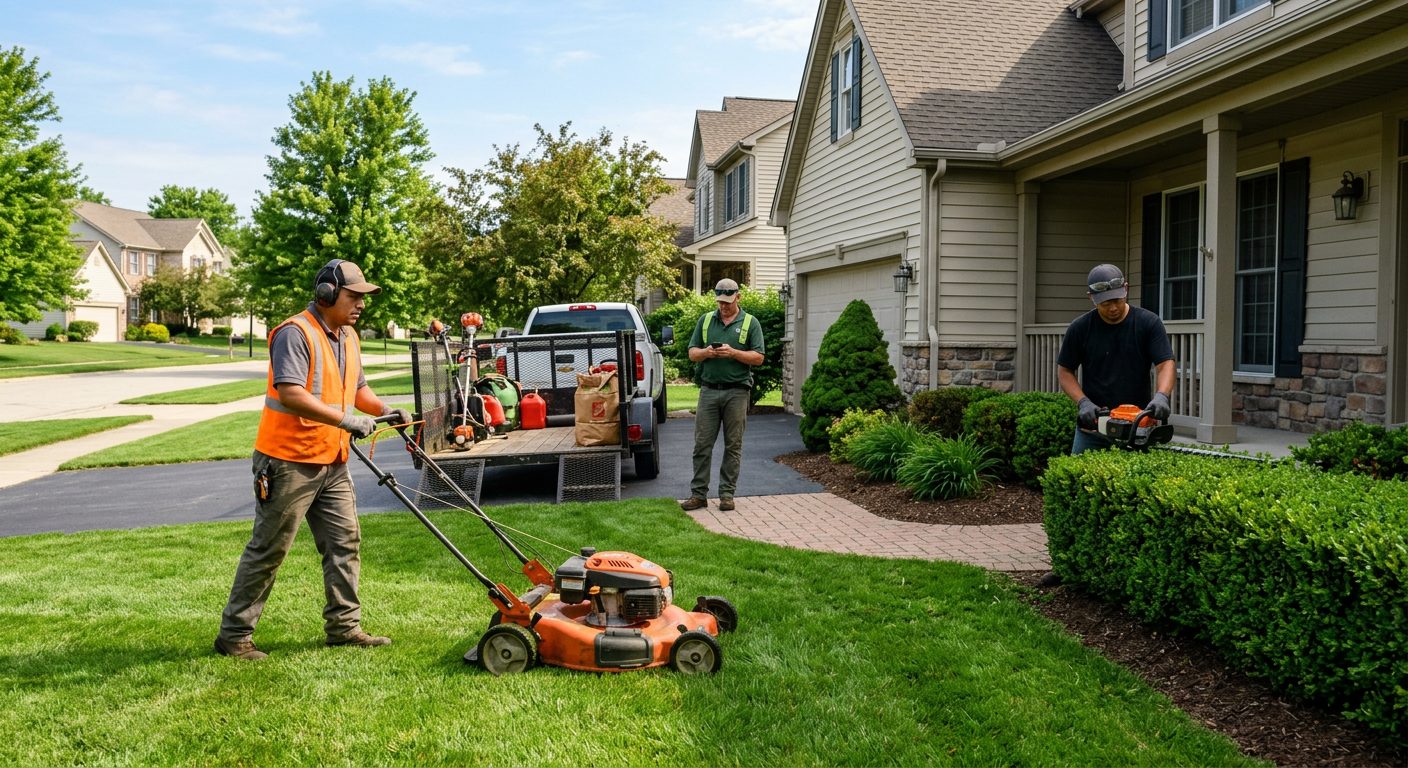 Landscaping and lawn care Six properties a day, quiet winters that cost nothing.
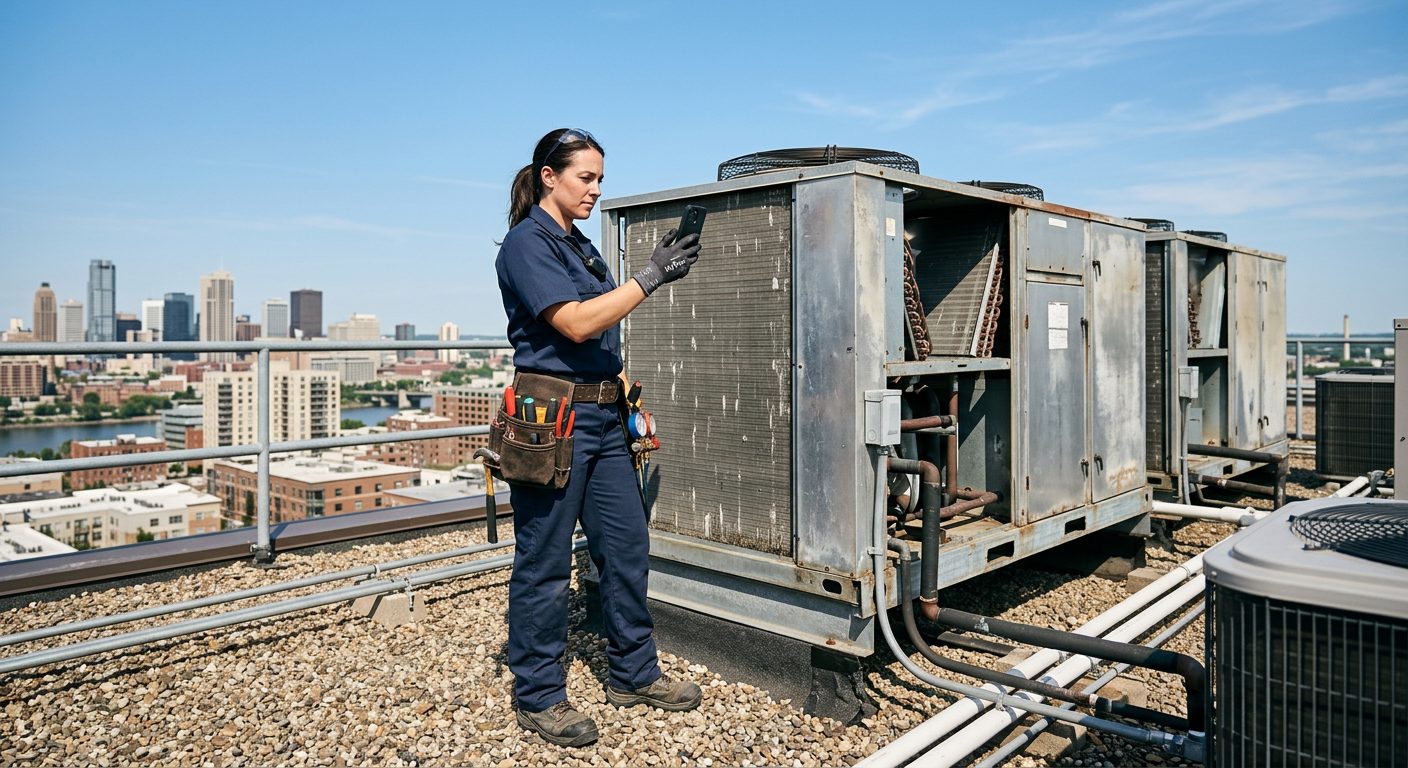 HVAC Installs and maintenance contracts, rooftops and mechanical rooms.
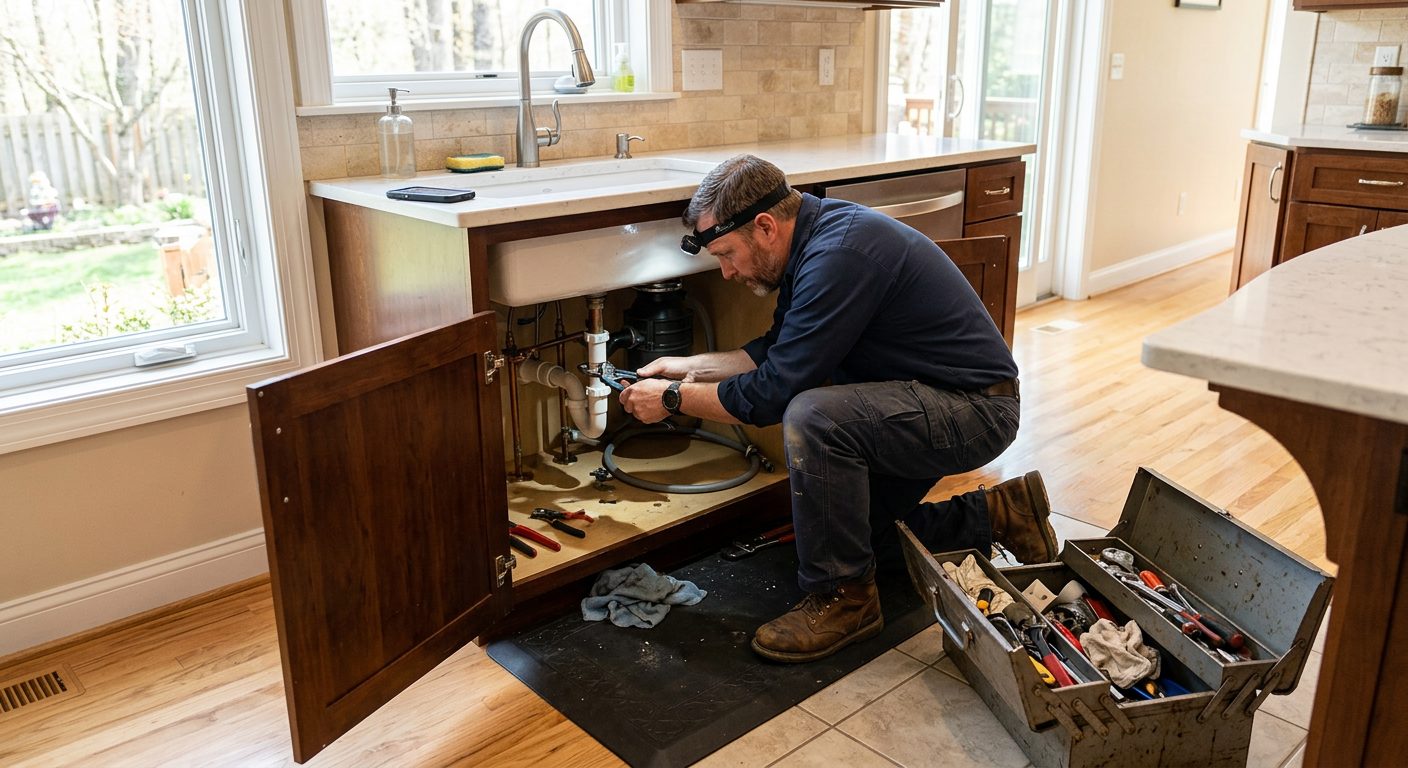 Plumbing Rough-ins, remodels and service contracts, often below ground.
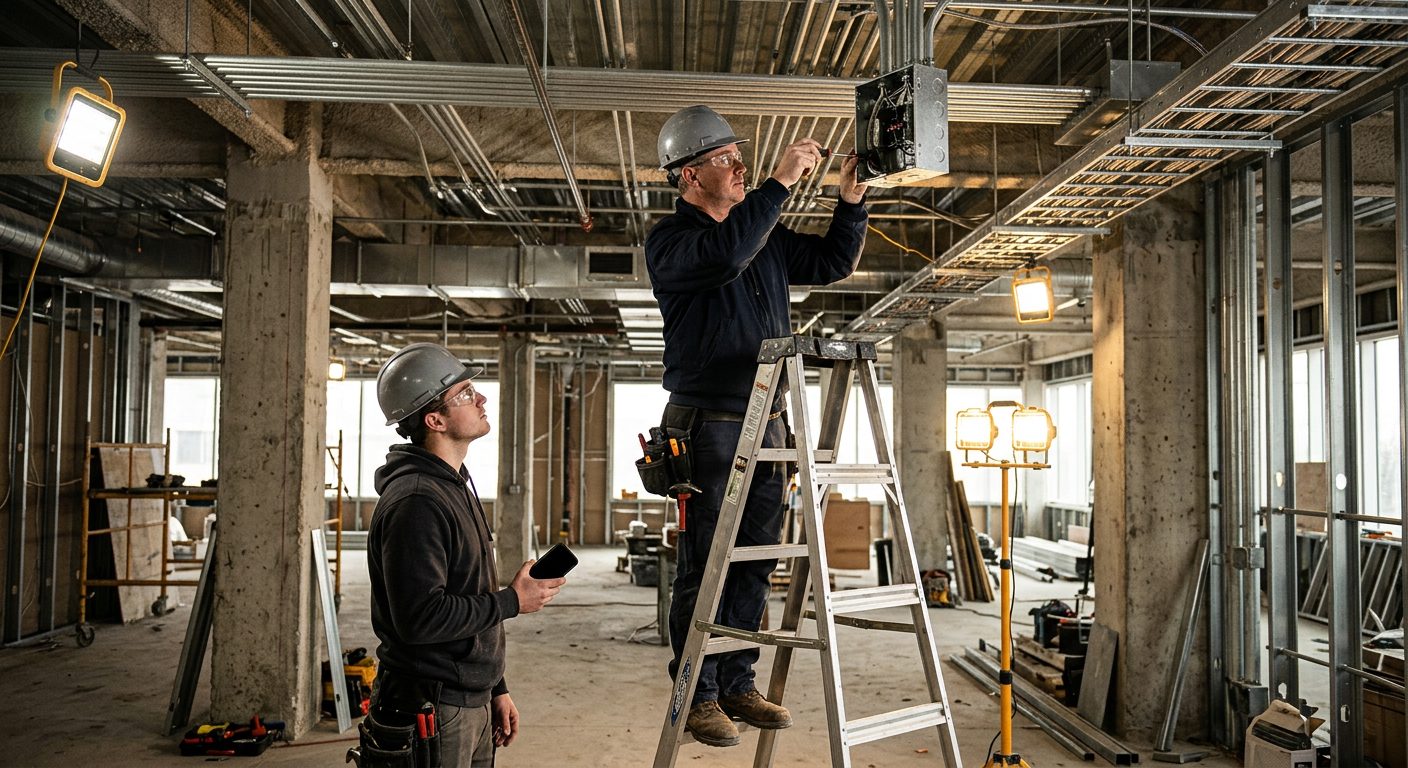 Electrical Long commercial jobs, crews split between projects.
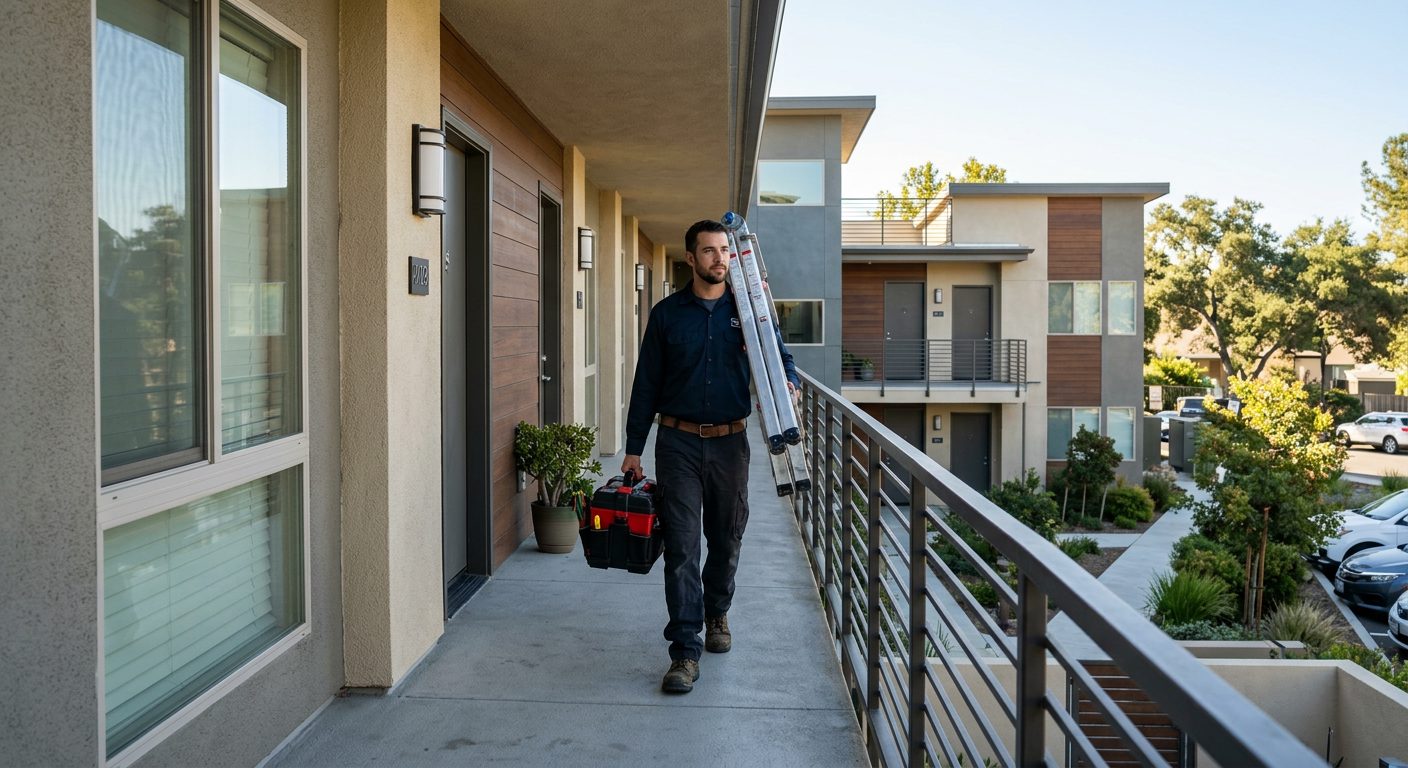 Property maintenance A portfolio of buildings and hours you can bill per property.
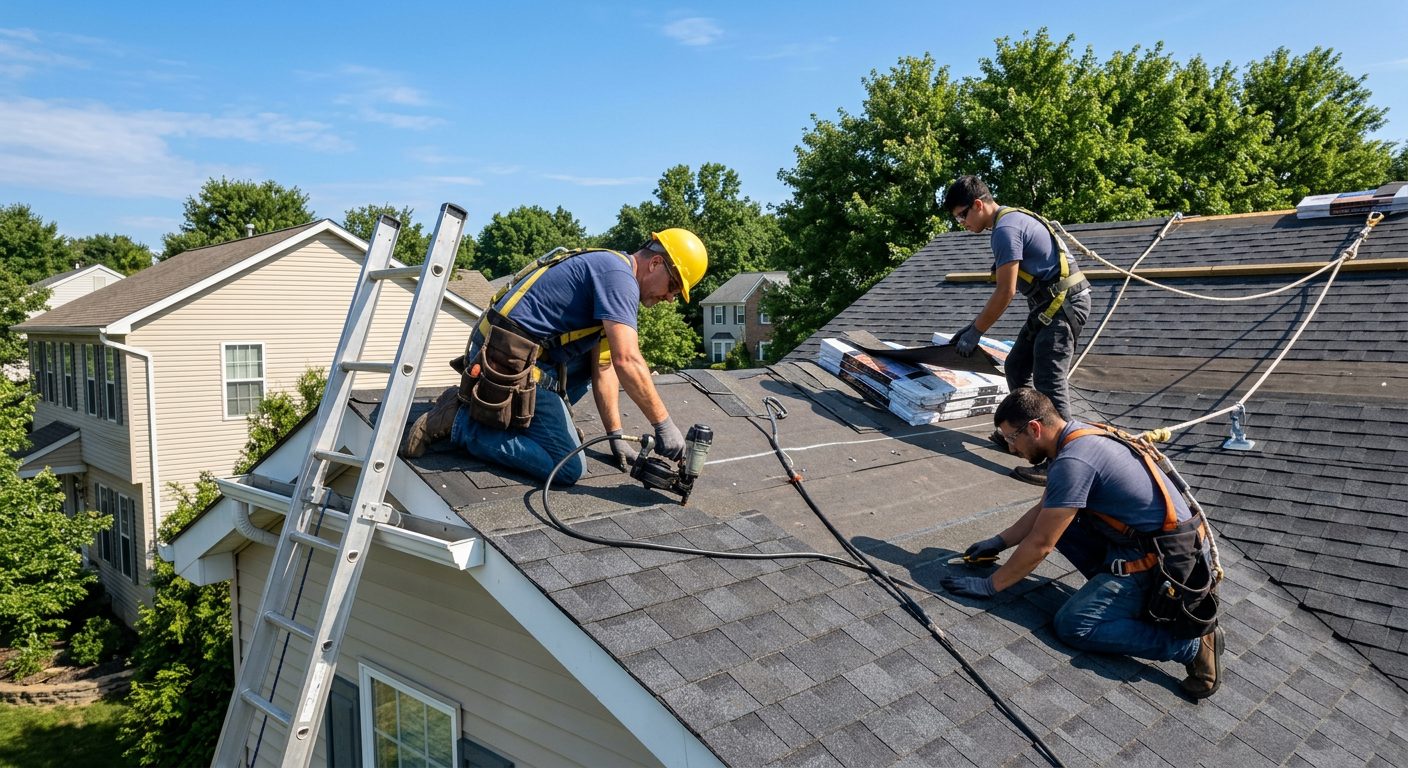 Roofing One- to three-day jobs, weather stops, new site every week.
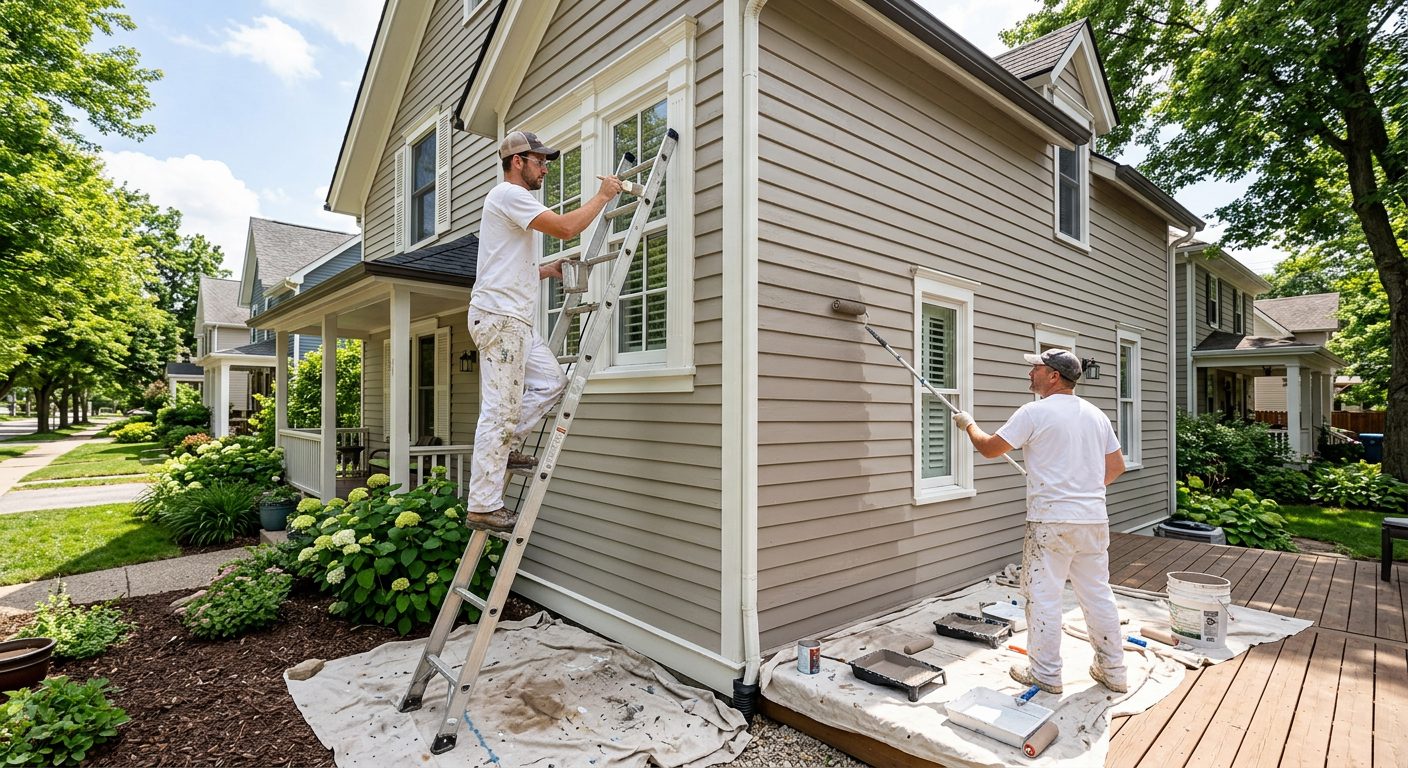 Painting Interior and exterior jobs, crews that move mid-week.
 Solar installation A house or two a day, rural roads, big utility sites. Restoration Emergency calls, drying visits, basements with no bars.
 Pest control Commercial accounts and crews on recurring sites.
 Security guards Fixed posts, night shifts and reliefs that start on time.
 Agriculture Seasonal crews, large fields, no signal on the back forty.
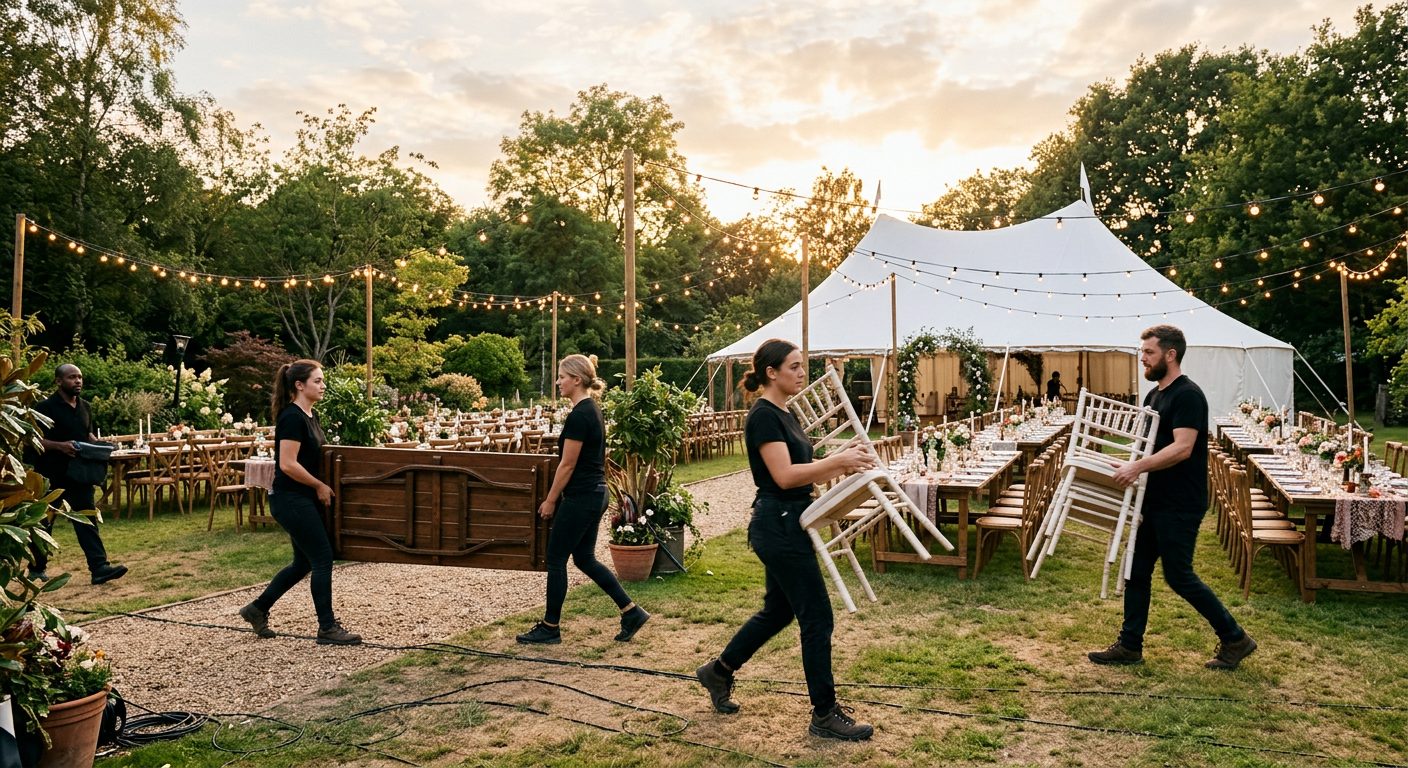 Events and catering A new venue every day and temporary staff.
Create the jobs you have open this week, send the link to the crew and let them clock in on every visit, including the night calls. In two weeks you'll have every loss's hours in one export. The trial lasts 15 days, no card needed.