A circle per building
A clock-in from the wrong address is refused, or let through with a flag if you allow "clock in anyway" for that building.
Cleaning crews night shifts · many buildings · hours per building
Your crews clean offices, clinics and stores after closing, often four or five buildings a night, and nobody from the office is there to see them arrive. GEOTT checks every clock-in against the geofence of the building it belongs to, keeps working in basements with no signal, and adds the night up into hours per building.
$7 per active worker a month · 15-day trial, no card · nothing to install from an app store
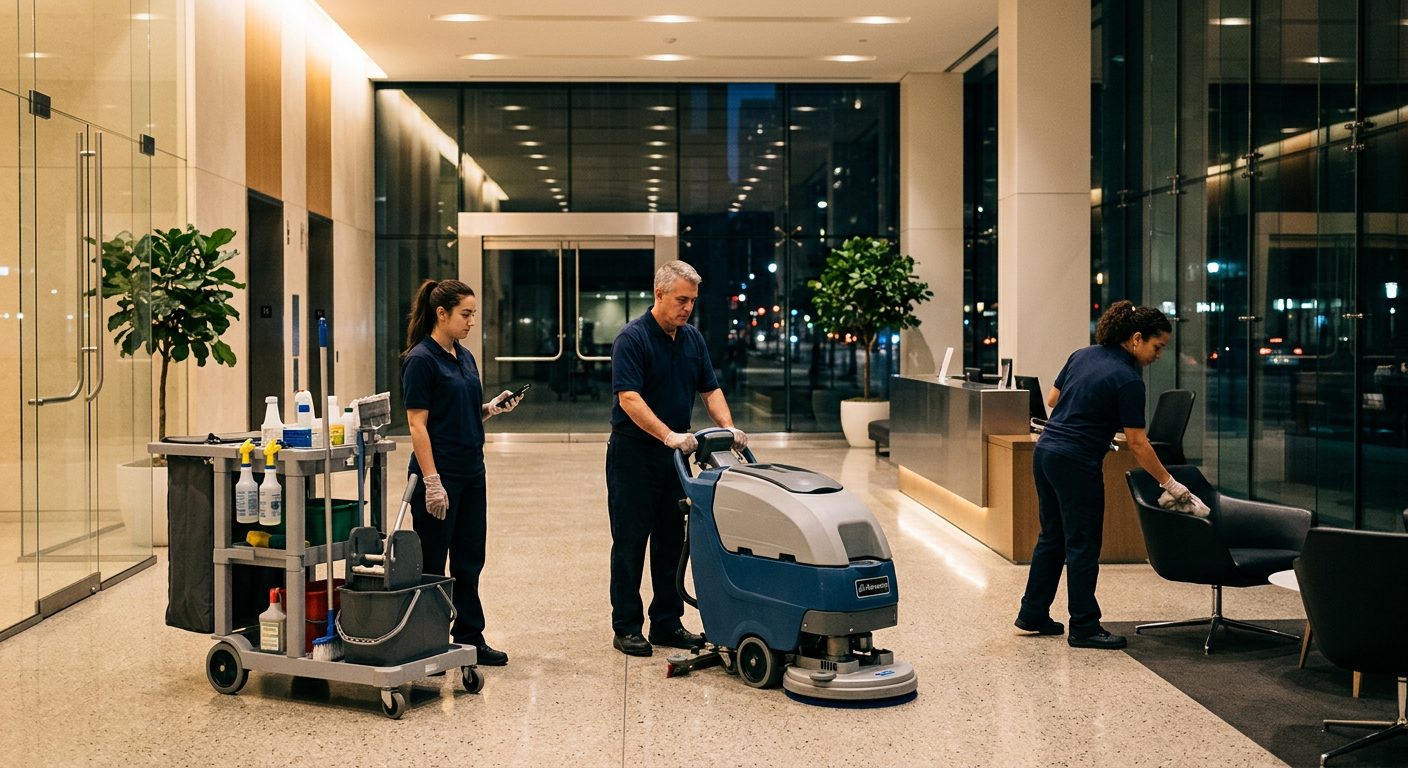
Because the work happens at night, in many places, without a supervisor on site. A crew of three may cover five buildings between 6 p.m. and 2 a.m., and paper sheets or texts can't show who started where. GEOTT ties each clock-in to one building and screens it for faked GPS positions.
| What happens today | What GEOTT does |
|---|---|
| A worker texts "here" from the parking lot of the wrong building | The clock-in is checked against that building's geofence; outside it is refused or flagged |
| Hours on the timesheet don't match the buildings on the schedule | Every punch belongs to a building, so hours add up per building |
| A basement or a storage floor has no signal | The clock-in is kept on the phone and uploads by itself later |
| Someone forgets to clock out at 2 a.m. | Sessions left open close on their own, with a flag, not a 14-hour shift |
| New hires every month, on their own old phones | An invite link by text, WhatsApp or email; no app store, Spanish on screen |
Each building on your route becomes a site with a circle around it. At the door the worker taps once; GEOTT reads the phone's position at that moment only, checks it against the circle and starts the hours on that building. Moving to the next building is a site change, checked again on arrival.
Type the address, move the pin to the entrance the crew uses, and keep the suggested radius. A building with a big parking lot gets a wider circle.
Invite the crew by text, WhatsApp or email, or show the invite QR code at the first building. The phone opens GEOTT in the browser, ready to clock in.
One tap in the lobby. The screen says if the clock-in is valid, outside the area, or saved on the phone because there is no signal.
After the first office, the worker switches site without clocking out. The geofence of the next building is checked when they get there.
In the morning the office sees who worked where, with flags explained in plain words and the hours already split by building.
The by-project Excel export answers "how many hours did this building take?" for each contract.
Here is a sample night with invented buildings: three cleaners, four sites, one without signal. Every punch lands on the right building, the dental office in a basement syncs once the crew is back upstairs, and the night ends with 21 hours split across four contracts, ready for the month-end export.
| Time | Building (sample) | Signal | What GEOTT records |
|---|---|---|---|
| 6:00 p.m. | Office tower, 3 floors | Good | 3 valid clock-ins inside the geofence |
| 8:15 p.m. | Dental office, lower level | None | 3 site changes saved on the phones |
| 9:30 p.m. | Parking lot outside | Back | The saved entries upload with their original times |
| 9:45 p.m. | Retail store | Good | 3 site changes, valid |
| 12:00 a.m. | Gym | Good | 3 site changes, valid |
| 1:00 a.m. | Gym | Good | Clock-out: 7 hours each, split across 4 buildings |
The office does not see the dental office entries until the phones reconnect; on an iPhone they go up when the worker next opens GEOTT with signal. Nothing has to be typed in again. The same pattern, with more detail on dead zones, is on offline clock-in.
Big enough for the building, its entrance and the GPS error. Phones are typically accurate to about 4.9 m (16 ft) under open sky, and worse next to tall buildings, according to GPS.gov. Inside, readings drift more, so ask the crew to clock in at the door, not on the third floor.
After the first week, GEOTT tells you when honest clock-ins keep landing just outside a circle, so you can widen it. The full sizing logic is on geofence time tracking.
| Building | Suggested radius |
|---|---|
| Small office or clinic, street parking | 60 m (about 200 ft) |
| Office tower downtown | 100 m (about 330 ft) |
| Store with a large parking lot | 150 m (about 490 ft) |
| School or business park campus | 250 m (about 820 ft) |
Four do most of the work: the geofence per building, clock-in reminders that skip people already on the clock, night-work rules for shifts that cross midnight, and hours per building in the exports. Everything else, from crews to break tracking, is a switch you turn on when you need it.
A clock-in from the wrong address is refused, or let through with a flag if you allow "clock in anyway" for that building.
Pick the time, the days and the crew. Anyone already clocked in isn't pinged, and a clock-out reminder catches the late ones.
Set your night-work window and rounding once. A shift from 10 p.m. to 3 a.m. counts as one shift, explained step by step.
The by-project export lists every building with each cleaner's hours, the number you need when a contract comes up for renewal.
Crews, breaks, project managers per area and the full list are on the features page.
$7 a month for each worker who clocked in at least once that month, and nothing for anyone else. A company with 15 cleaners pays $105 in a month when all 15 worked. Turnover doesn't inflate the bill: someone who left in week one and never clocked in again isn't counted next month.
There is no base fee, no charge per building and no hardware. Supervisors who only check hours from the office are free. Worked examples are on GEOTT pricing.
Cleaning company questions
One that proves the crew was at the right building, works in basements, handles shifts past midnight and installs on any phone without an app store. GEOTT does all four for $7 per active worker a month, and you can test it with one crew for 15 days without a card.
Less well than outside. Concrete and steel weaken the signal, so the position read deep inside a building can drift. That is why GEOTT asks for one reading at the clock-in: have the crew tap at the entrance or the lobby, and size the circle to include the building and its doors.
No. GEOTT reads the position only when someone clocks in, changes building or clocks out. Between those taps nothing is recorded, and each worker can open a screen that shows exactly what GEOTT keeps about them. That transparency helps a lot when you introduce it to the crew.
It depends on the state: some require written notice before electronic monitoring, and Maine lets workers refuse apps on their personal phones. Read is GPS tracking of employees legal? and give the crew a written notice first. A manager can enter hours for anyone without a phone.
Any company whose people start the day on a job site instead of in an office. Each page below takes one trade, its typical day and the radius that fits its sites.
 Construction Two or three sites a day, basements with no signal. Commercial cleaning Many buildings a night, short shifts, hours per building.
 Landscaping and lawn care Six properties a day, quiet winters that cost nothing.
 HVAC Installs and maintenance contracts, rooftops and mechanical rooms.
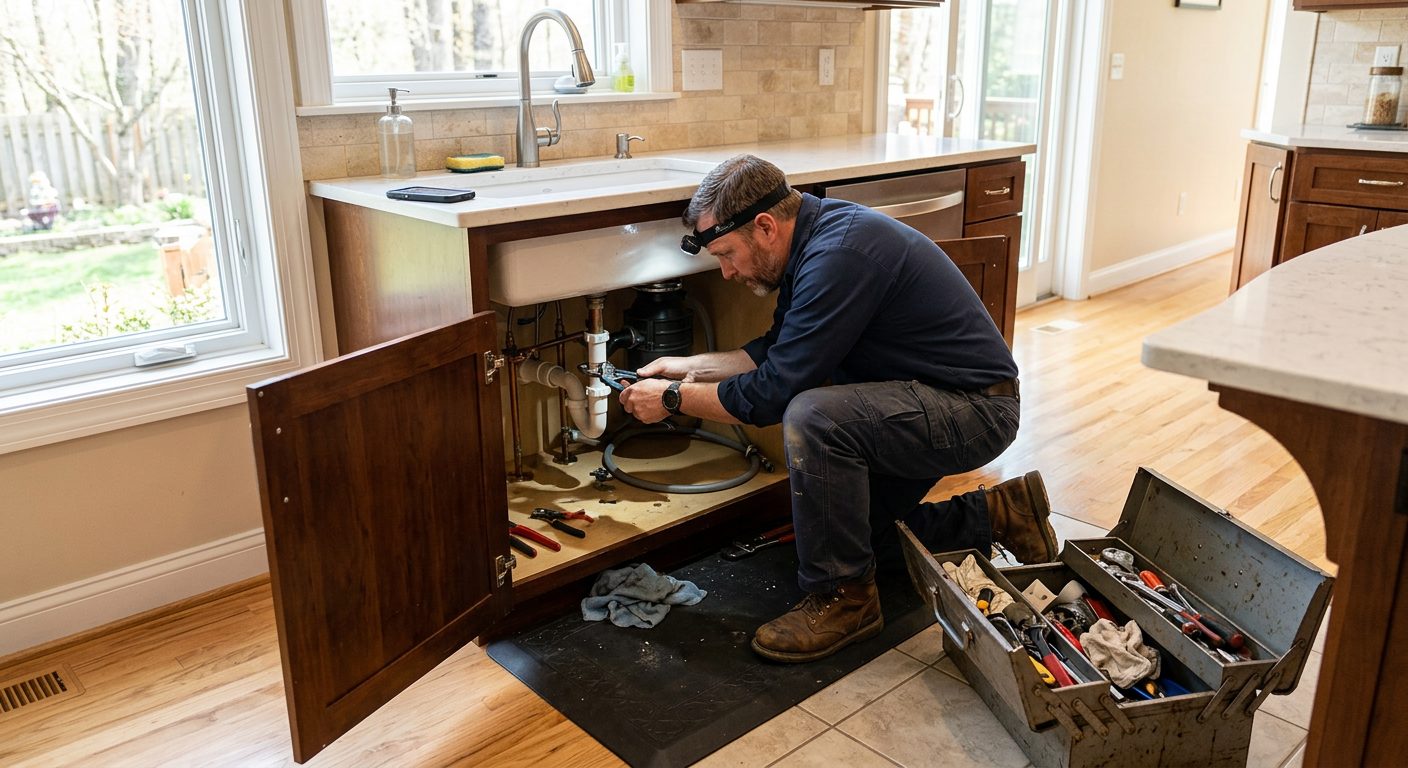 Plumbing Rough-ins, remodels and service contracts, often below ground.
 Electrical Long commercial jobs, crews split between projects.
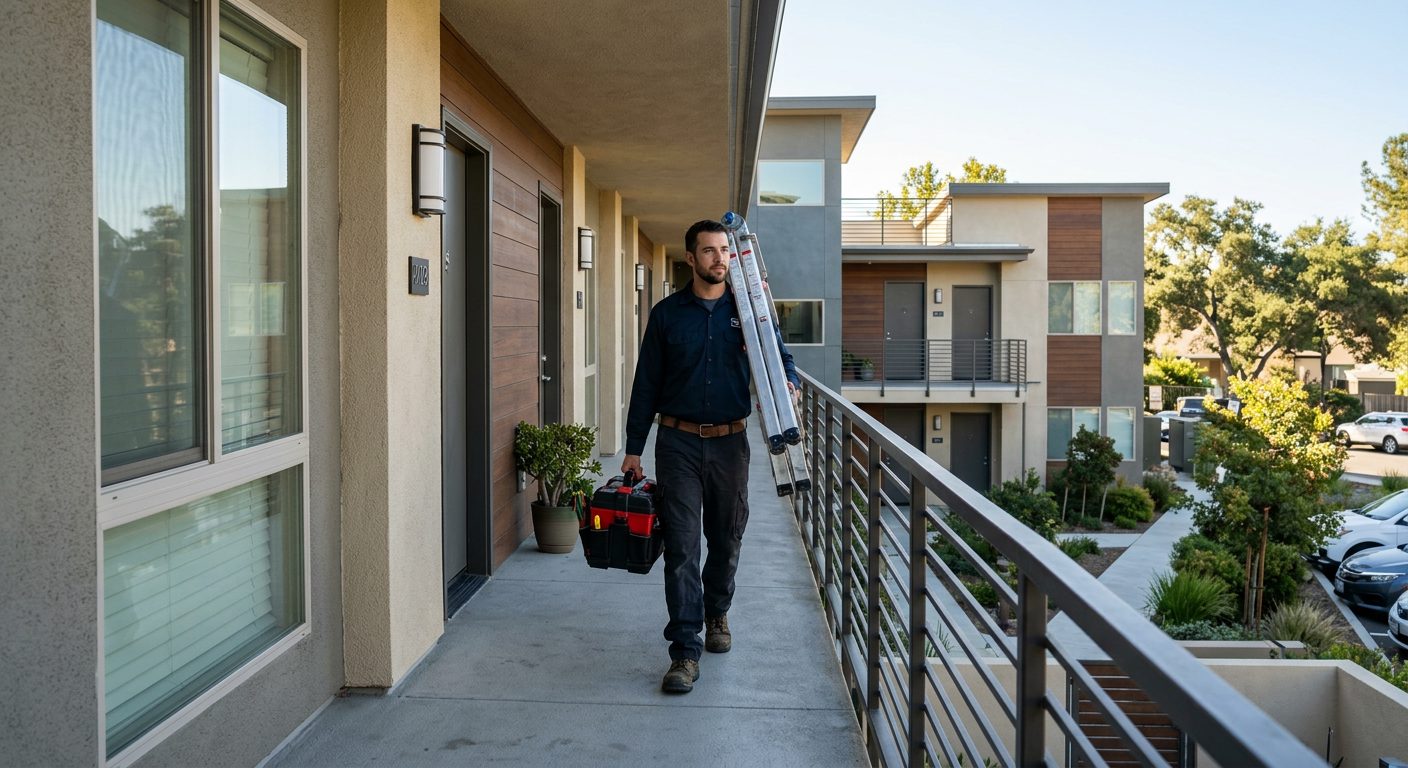 Property maintenance A portfolio of buildings and hours you can bill per property.
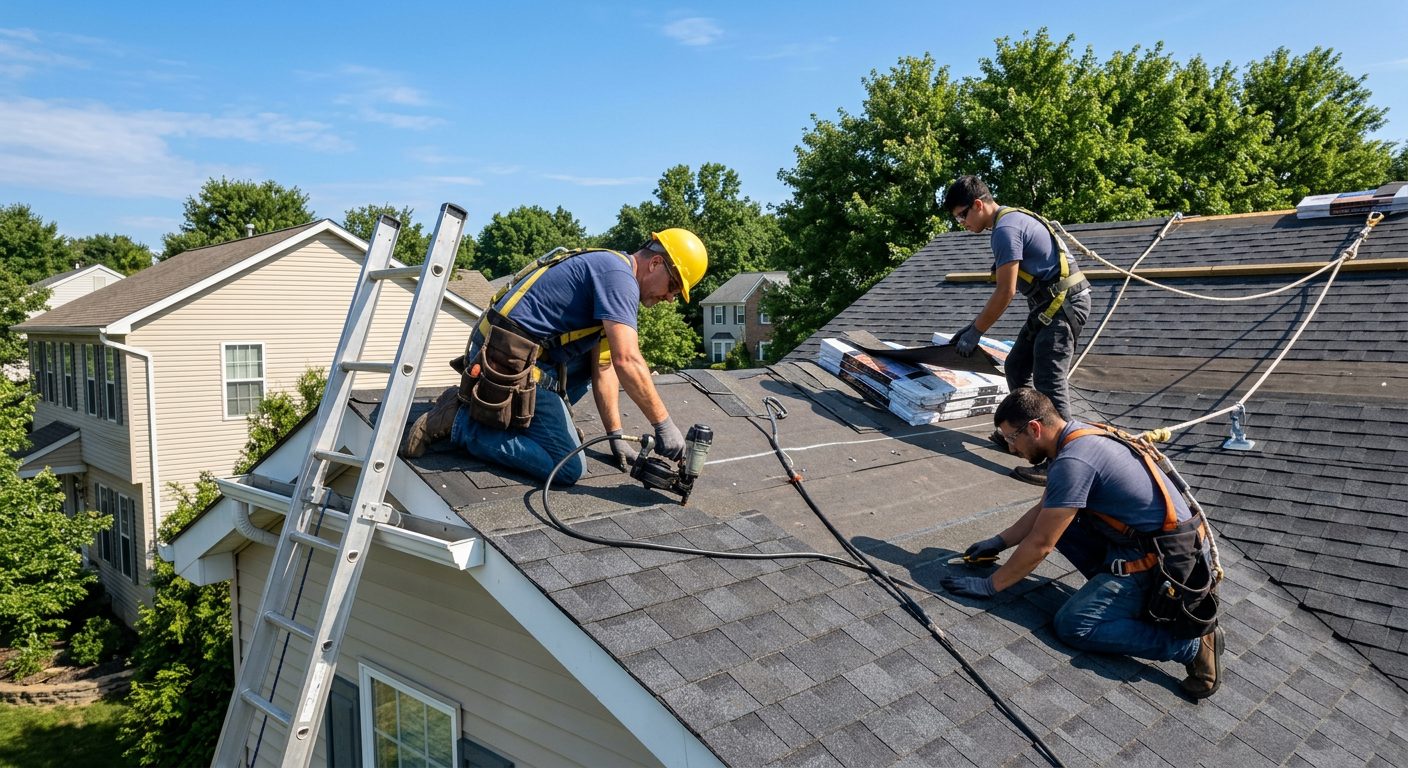 Roofing One- to three-day jobs, weather stops, new site every week.
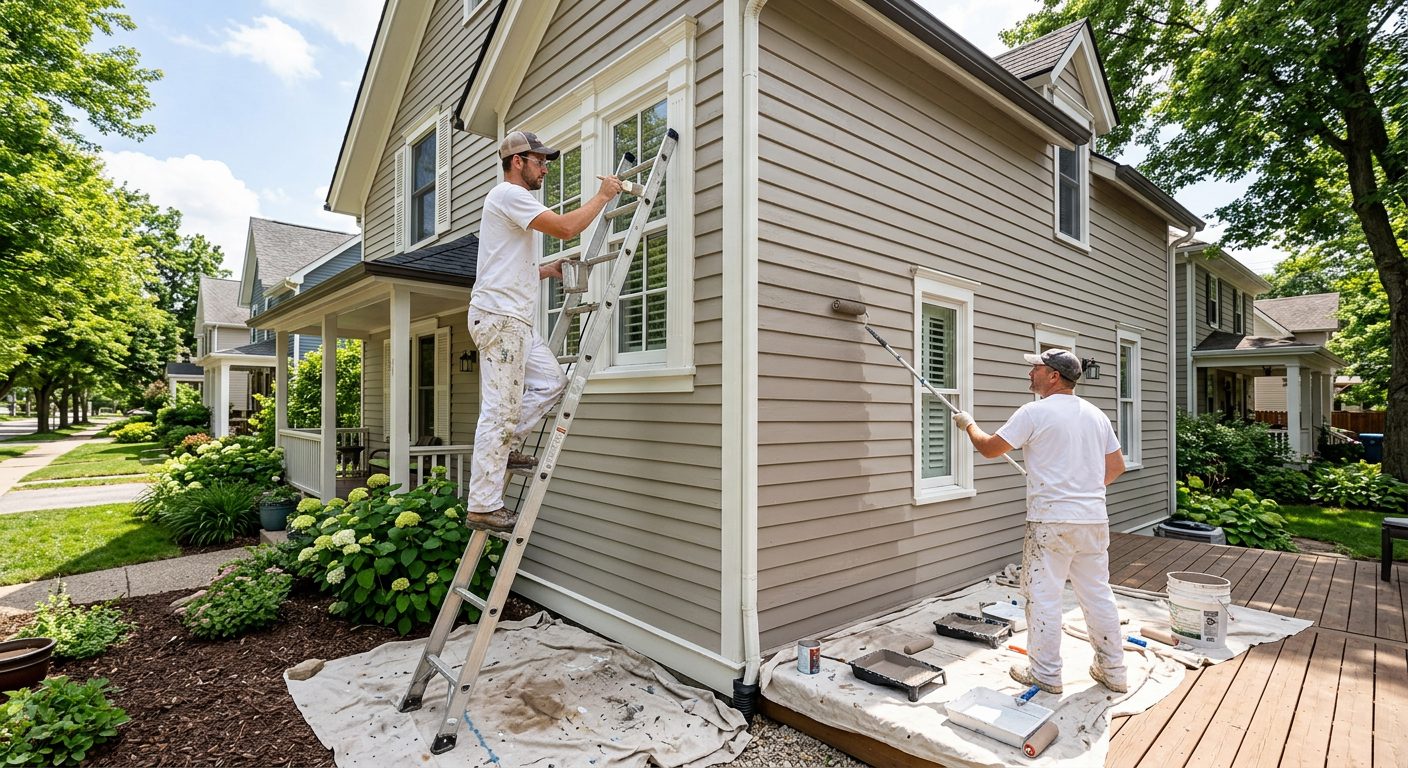 Painting Interior and exterior jobs, crews that move mid-week.
 Solar installation A house or two a day, rural roads, big utility sites.
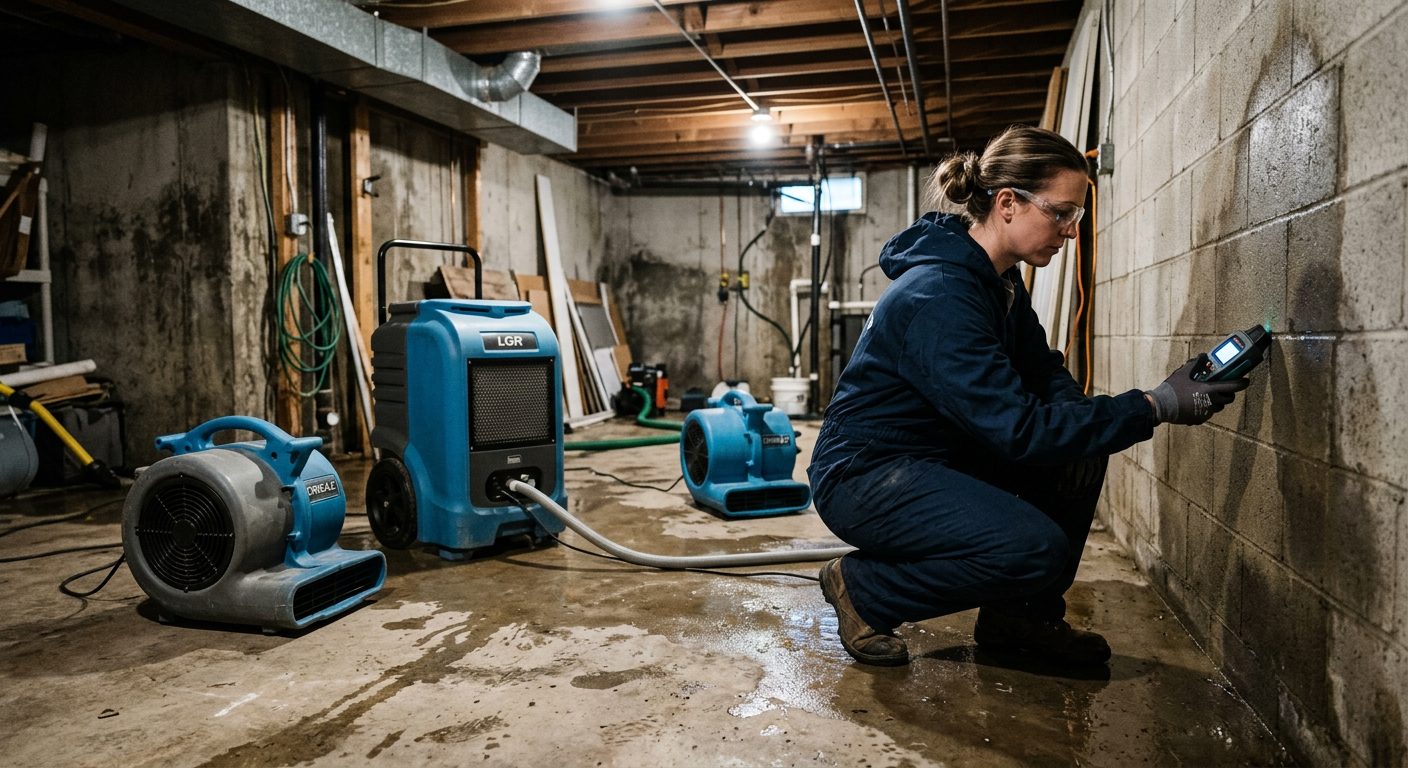 Restoration Emergency calls, drying visits, basements with no bars.
 Pest control Commercial accounts and crews on recurring sites.
 Security guards Fixed posts, night shifts and reliefs that start on time.
 Agriculture Seasonal crews, large fields, no signal on the back forty.
 Events and catering A new venue every day and temporary staff.
Pick the route with the most buildings and the worst signal, add those buildings in about 2 minutes and send the link to that crew. After a week you will know whether the punches match your schedule. The trial lasts 15 days and needs no credit card.