Circle per job
A punch from the supply house or the truck stop doesn't count on the job: it is refused or flagged for your review.
HVAC contractors installs · maintenance contracts · rooftops
Your installers spend a week on a rooftop changeout, your techs rotate through the same buildings every quarter, and the hours land on a timesheet days later. GEOTT checks each clock-in against the geofence of the job, keeps working in mechanical rooms with no signal, and adds up hours per job for every install and contract.
$7 per active worker a month · 15-day trial, no card · works in mechanical rooms without signal

On jobs you know in advance: new installs, replacements that take several days, and maintenance contracts at the same buildings every month or quarter. Each one becomes a site with a circle around it. GEOTT is built for job sites, not for dispatching one-off service calls to a new address every hour, and we'd rather say so up front.
| Type of work | Fit | How to set it up |
|---|---|---|
| Commercial install or rooftop changeout | Strong | One site per job, crew assigned for the duration |
| New construction rough-in and trim-out | Strong | One site per project, hours split when the crew moves |
| Quarterly maintenance at the same buildings | Strong | Each building a permanent site, techs assigned by crew |
| Residential service calls, a new address every hour | Weak | Better handled by your dispatch software; GEOTT doesn't dispatch |
They open GEOTT from a browser link or a home-screen icon and tap once when they reach the job. The phone's position is read at that moment, checked against the site's circle and screened for faked GPS. No signal in the basement plant room? The clock-in is saved on the phone and sent later.
A punch from the supply house or the truck stop doesn't count on the job: it is refused or flagged for your review.
Mechanical rooms and parking levels lose coverage. The clock-in waits on the phone and uploads by itself.
Morning on a maintenance contract, afternoon on an install: a site change splits the hours between the two.
Give the lead tech project manager rights on an install: hours, files and crew messages for that job only.
A sample week with invented jobs: two installers on a rooftop unit replacement, one tech on maintenance rounds. By Friday GEOTT shows 120 hours across six sites, with the install at 64 hours, the number to check against the bid before the next one goes out.
| Site (sample) | Type | Hours | Note |
|---|---|---|---|
| Medical office, rooftop units | Install | 64 | 2 installers, Monday to Thursday |
| School district, boiler room | Maintenance | 14 | No signal: punches synced at noon |
| Grocery store, refrigeration | Maintenance | 10 | Site change after lunch |
| Office building, chillers | Maintenance | 12 | Quarterly visit |
| Restaurant, kitchen exhaust | Install | 16 | Friday, 2 installers |
| Shop | Prep and loading | 4 | Shop added as a site |
On an iPhone, entries saved without signal go up when the tech next opens GEOTT with coverage. Hours rules for overtime after 40 hours a week are applied automatically for US companies.
Rooftops have open sky, so readings are usually close: phones are typically accurate to about 4.9 m (16 ft) under open sky, according to GPS.gov. Basements and plant rooms are the opposite. Ask techs to clock in at the building entrance and size the circle for the whole lot.
GEOTT suggests a radius and reports after the first week if honest clock-ins fall just outside. More on geofence time tracking.
| Site | Suggested radius |
|---|---|
| Restaurant or small retail | 60 m (about 200 ft) |
| Office building or clinic | 100 m (about 330 ft) |
| School or hospital campus | 250 m (about 820 ft) |
| New subdivision | 400 m (about 1,310 ft) |
$7 a month per worker who clocked in that month. A contractor with 9 field techs and installers pays $63 in a full month; office staff and dispatchers who don't clock in are free. No base fee, no charge per job or per building, no annual plan, and slow months cost less on their own.
Worked examples and what counts as an active worker: GEOTT pricing.
HVAC questions
For installs and maintenance contracts, one that ties each punch to a job, works in plant rooms without signal and splits a day between two jobs. GEOTT does that for $7 per active worker. For dispatching one-off residential calls, keep your field service software: GEOTT doesn't dispatch.
No. GEOTT is a time clock: it proves where and when each punch happened and turns punches into hours. It doesn't schedule calls, quote, invoice or manage parts. Many contractors use it next to their existing tools, for the crews on longer jobs.
Only if you allow it. With "clock in anyway" off, a punch outside the job's circle doesn't go through. With it on, the punch is accepted and flagged, with the distance from the site, so you decide whether it counts.
No app store download: GEOTT opens from a link in the phone's browser and can be added to the home screen. It works on older phones with little free space, and the interface switches to Spanish for techs who prefer it.
Any company whose people start the day on a job site instead of in an office. Each page takes one trade, its typical day and the radius that fits its sites.
 Construction Two or three sites a day, basements with no signal.
 Commercial cleaning Many buildings a night, short shifts, hours per building.
 Landscaping and lawn care Six properties a day, quiet winters that cost nothing. HVAC Installs and maintenance contracts, rooftops and mechanical rooms.
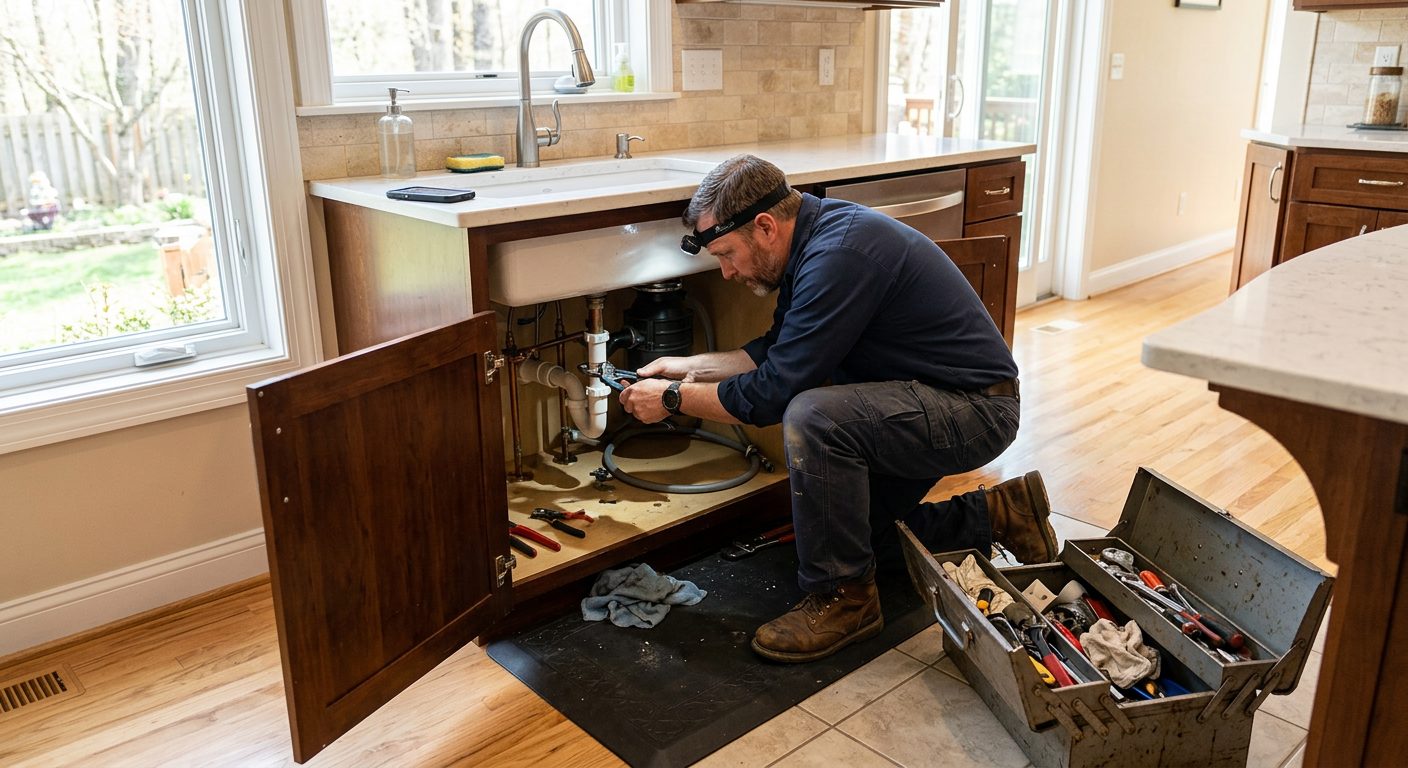 Plumbing Rough-ins, remodels and service contracts, often below ground.
 Electrical Long commercial jobs, crews split between projects.
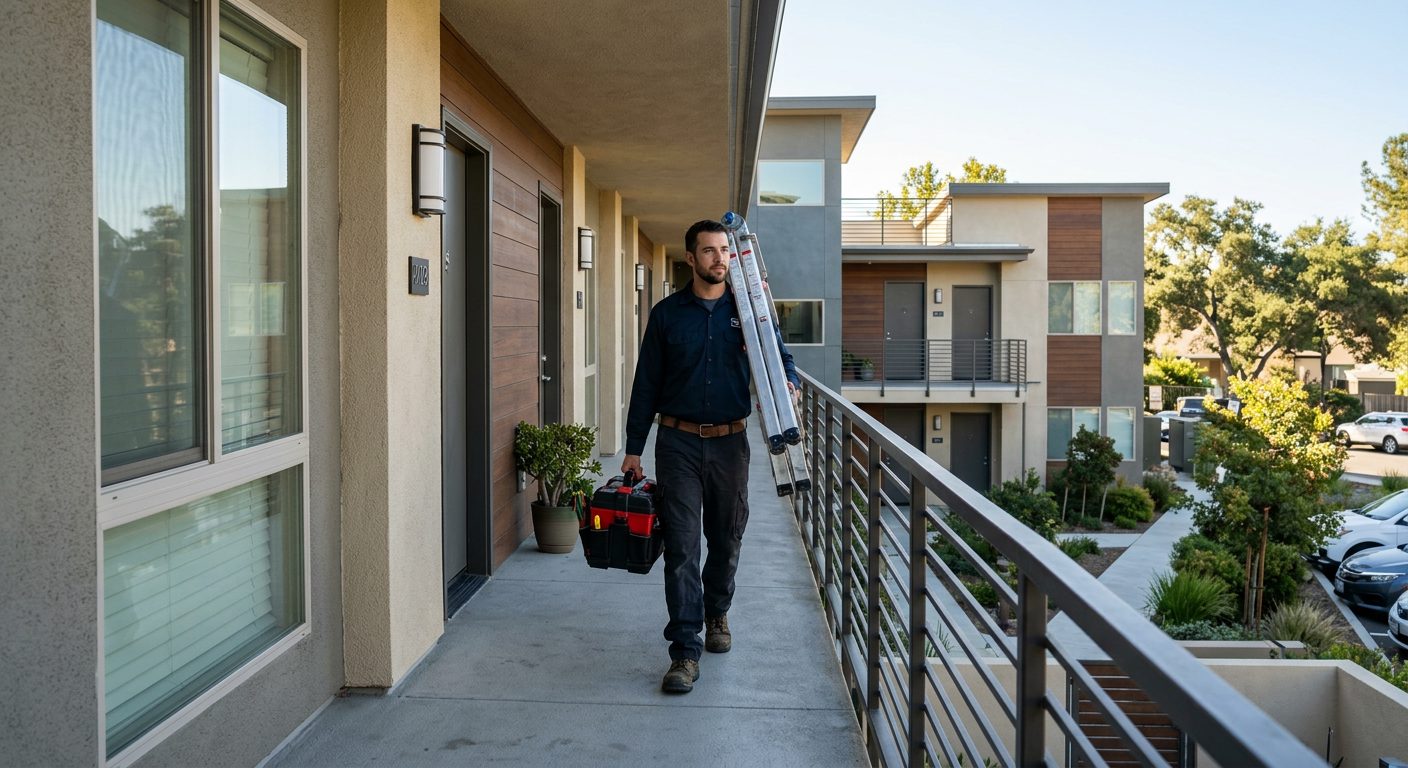 Property maintenance A portfolio of buildings and hours you can bill per property.
 Roofing One- to three-day jobs, weather stops, new site every week.
 Painting Interior and exterior jobs, crews that move mid-week.
 Solar installation A house or two a day, rural roads, big utility sites.
 Restoration Emergency calls, drying visits, basements with no bars.
 Pest control Commercial accounts and crews on recurring sites.
 Security guards Fixed posts, night shifts and reliefs that start on time.
 Agriculture Seasonal crews, large fields, no signal on the back forty.
 Events and catering A new venue every day and temporary staff.
Set up your next install as a site, add the crew and let them clock in for the length of the job. Compare the hours GEOTT shows with the bid. The trial lasts 15 days, needs no credit card and ends without an automatic bill.