1. Add the venue
Address search on the map, or «I'm here» on your phone at the venue. Pick a radius that covers the load-in dock.
Event, catering and AV crews new venue daily · temp staff · early load-in
Friday a convention center, Saturday a vineyard wedding, Sunday a festival in the park, each with a crew that's half regulars and half people hired for the weekend. GEOTT lets you set up the venue in a minute, invite temporary staff with a link or a QR code, and check every clock-in against the venue's circle.
$7 per active worker a month · temp staff invited by QR code · nothing to install
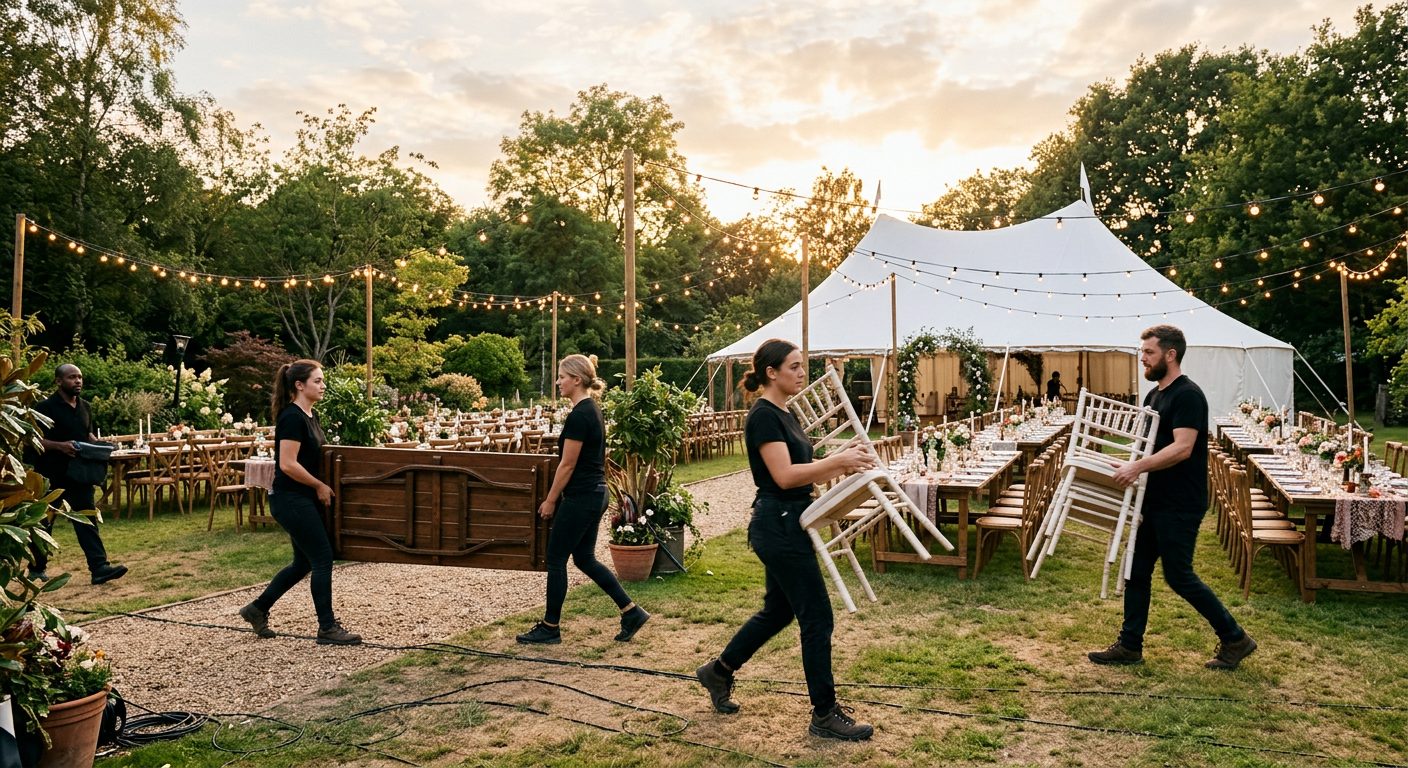
The venue changes every day and the crew changes every weekend. A time clock that needs a kiosk, a badge or a day of setup doesn't fit. GEOTT runs on each person's phone from a link, a new venue takes a minute, and people hired for one event cost nothing in the months they don't work.
| Problem | What GEOTT does |
|---|---|
| A new venue every day | New site in a minute: search the address, or stand at the venue and tap «I'm here: use my position» |
| Staff hired for one weekend | Invite by link or QR code; they open it in the browser, nothing to install |
| Clock-ins from the parking lot or the hotel | Refused, or accepted with a flag, outside the venue's circle |
| Who has arrived for load-in? | Live view of who is on the clock at each venue and who hasn't clocked in yet |
| The event is over | Close the site: no more clock-ins there, hours and history stay |
| Rosters and staff booking | Not covered: GEOTT records who worked where and for how long |
Create the site with the venue's address and a radius, or tap «I'm here» when you're standing at it: that reads your position once, only yours. Then show the invite QR code to the new staff at the door. They scan it with the phone camera, set a PIN and can clock in right away.
Address search on the map, or «I'm here» on your phone at the venue. Pick a radius that covers the load-in dock.
New staff scan the invite with the phone camera. No app store, no account to create by email.
One tap at the venue. The position is read once and checked against the circle, then the shift runs.
When the event is over, close the site. Its hours stay in the reports and the export.
Step by step with screens: how GEOTT works.
A sample weekend with invented events: three venues, 62 shifts worked by 38 different people, 552 hours. The by-project export gives the hours per event, the figure the client invoice is based on; GEOTT doesn't invoice clients itself.
| Event (sample) | Day | Staff | Hours |
|---|---|---|---|
| Trade show load-in, convention center | Friday | 12 | 72 |
| Wedding dinner, vineyard | Saturday | 20 | 180 |
| Food festival, city park | Sunday | 30 | 300 |
If those 38 people are the only ones who clock in that month, the bill is 38 × $7 = $266. Regulars who worked all three days count once.
Big enough to include the load-in dock and the staff parking you consider part of the venue. Outdoors phones are typically within 4.9 m (16 ft), says GPS.gov; inside a ballroom or a convention hall the reading drifts, so allow more room there.
More: geofence time tracking.
| Venue | Suggested radius |
|---|---|
| Hotel ballroom or restaurant | 100 m (about 330 ft) |
| Wedding venue or vineyard | 200 m (about 660 ft) |
| Convention center | 300 m (about 985 ft) |
| Park festival or fairground | 500 m (about 0.3 miles) |
$7 per person who clocked in during the month. Someone hired for one weekend costs $7 that month and nothing after, even if they stay in your list for the next season. Planners and office staff are free, and there is no per-venue fee.
More: GEOTT pricing.
Event company questions
No. They open the invite link or scan the QR code and GEOTT runs in the phone's browser. They can add it to the home screen if they come back often, but it isn't required.
Yes. Search the address and set the radius, or stand at the venue and tap «I'm here: use my position». The site is ready for clock-ins as soon as it's saved.
No. GEOTT records who clocked in, at which venue and for how long. Booking and rosters stay in the tool you use for them; GEOTT gives you the hours that were actually worked.
The clock-in is saved on the phone with its original time and sent when the signal comes back, marked as offline. More: offline clock-in.
Any company whose people start the day on a job site instead of in an office. Each page takes one trade, its typical day and the radius that fits its sites.
 Construction Two or three sites a day, basements with no signal.
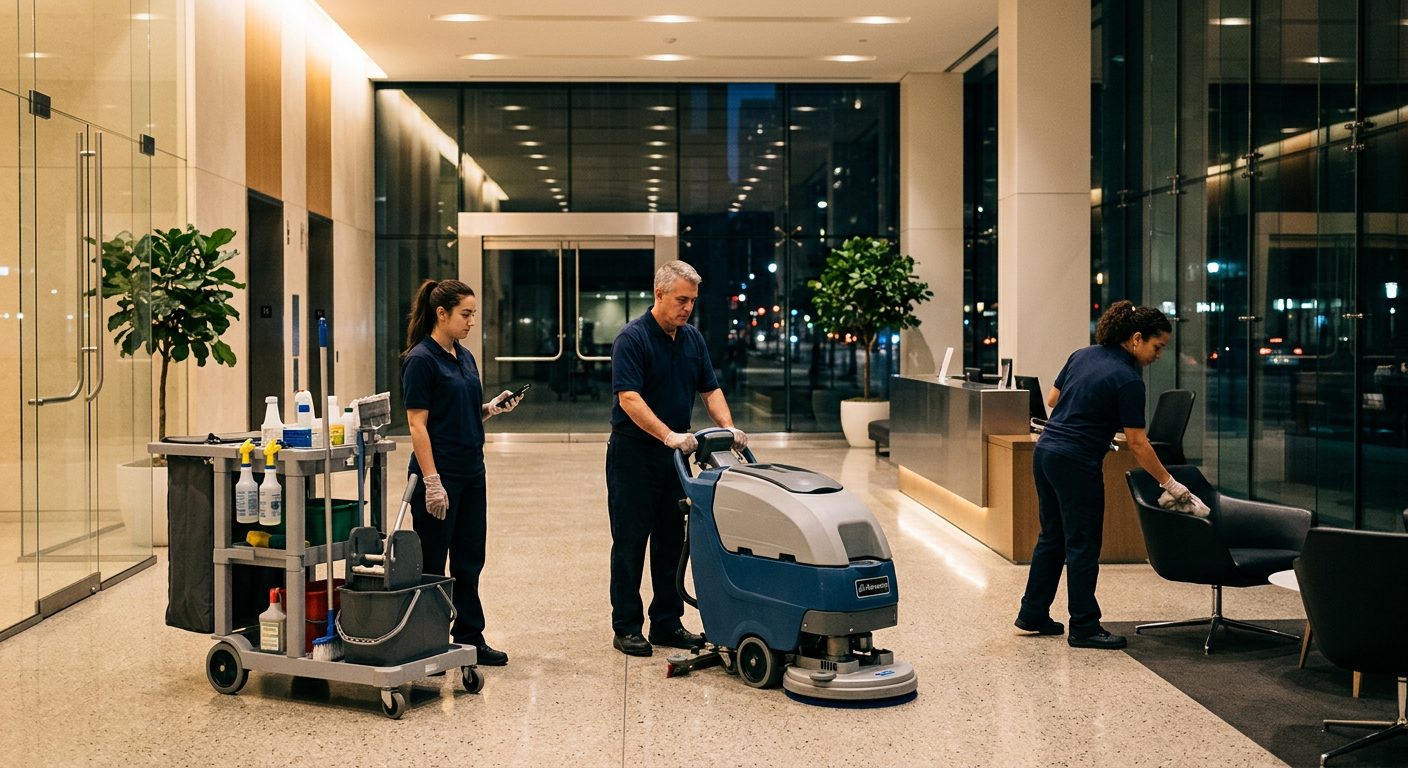 Commercial cleaning Many buildings a night, short shifts, hours per building.
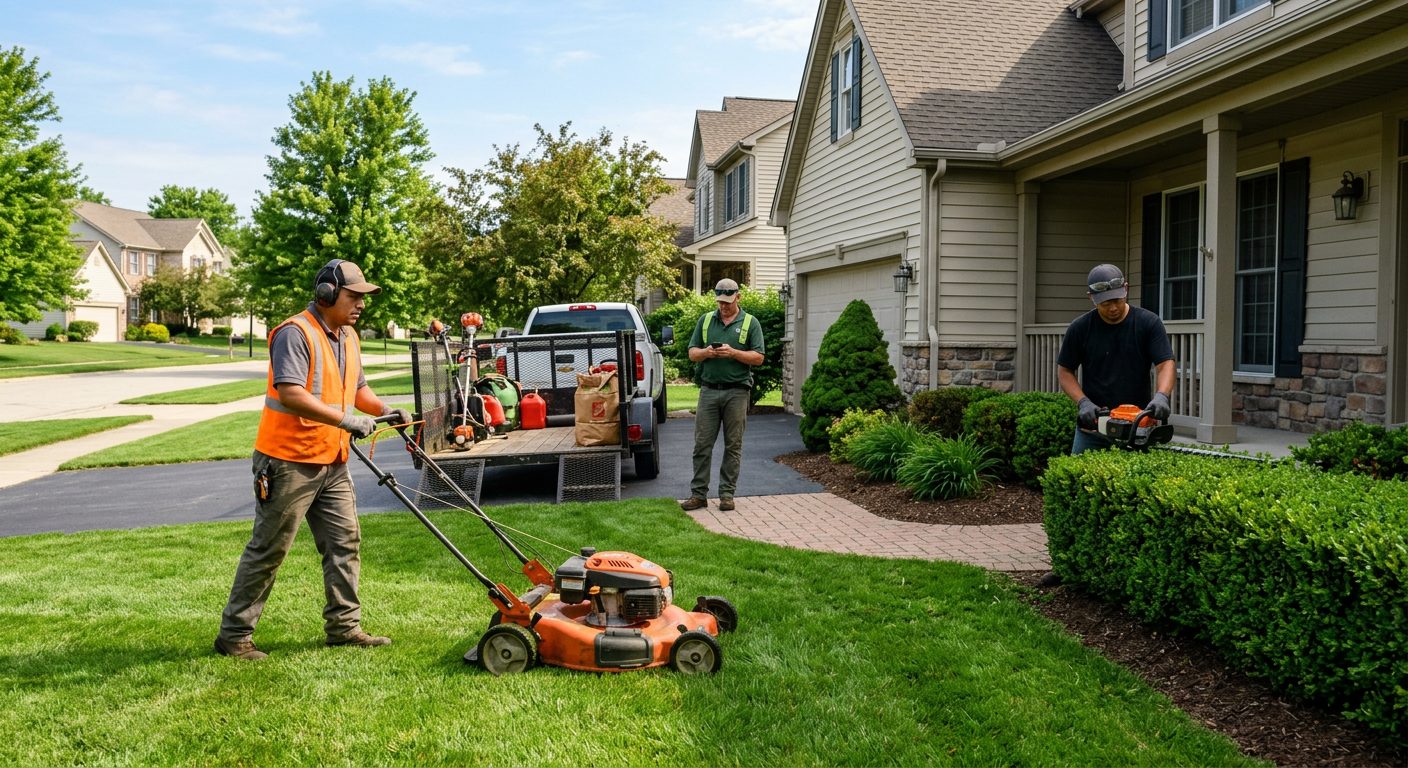 Landscaping and lawn care Six properties a day, quiet winters that cost nothing.
 HVAC Installs and maintenance contracts, rooftops and mechanical rooms.
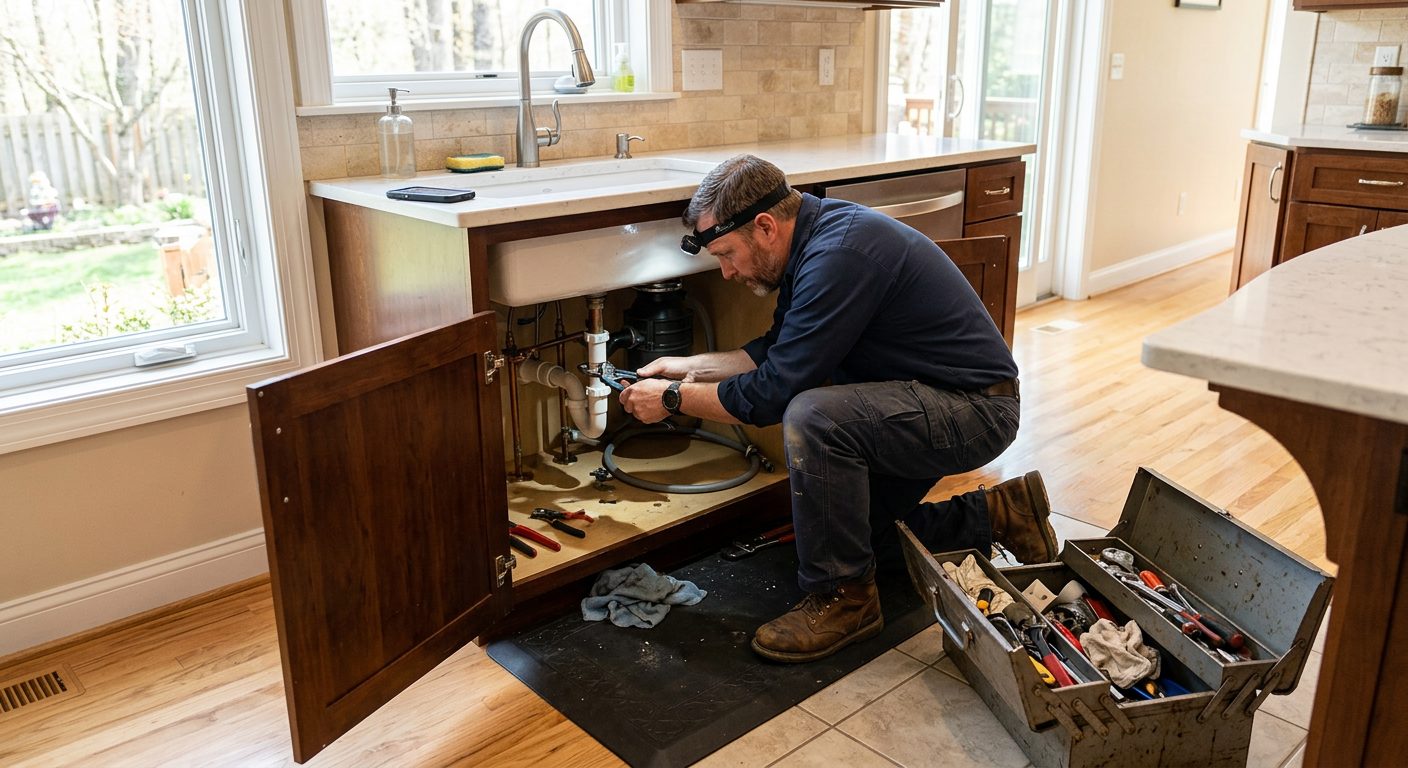 Plumbing Rough-ins, remodels and service contracts, often below ground.
 Electrical Long commercial jobs, crews split between projects.
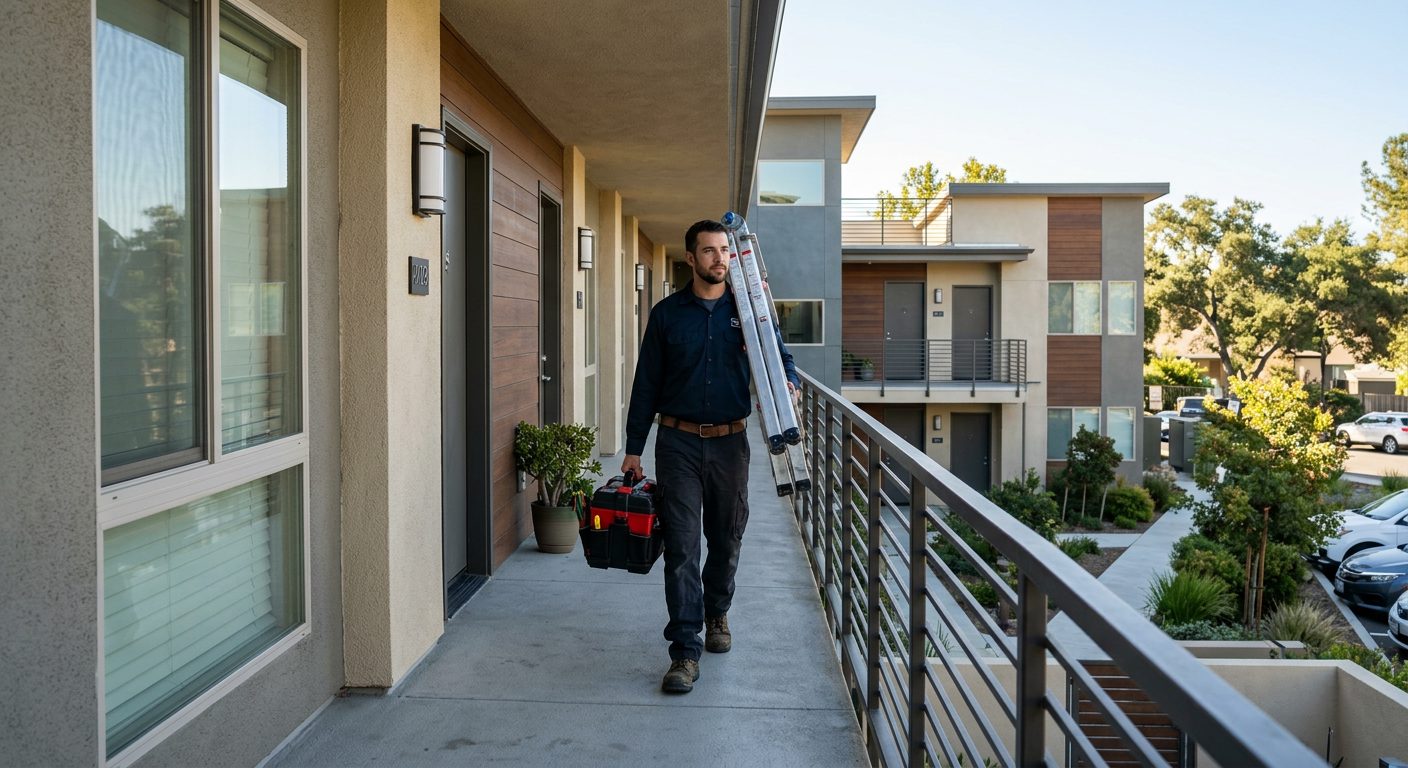 Property maintenance A portfolio of buildings and hours you can bill per property.
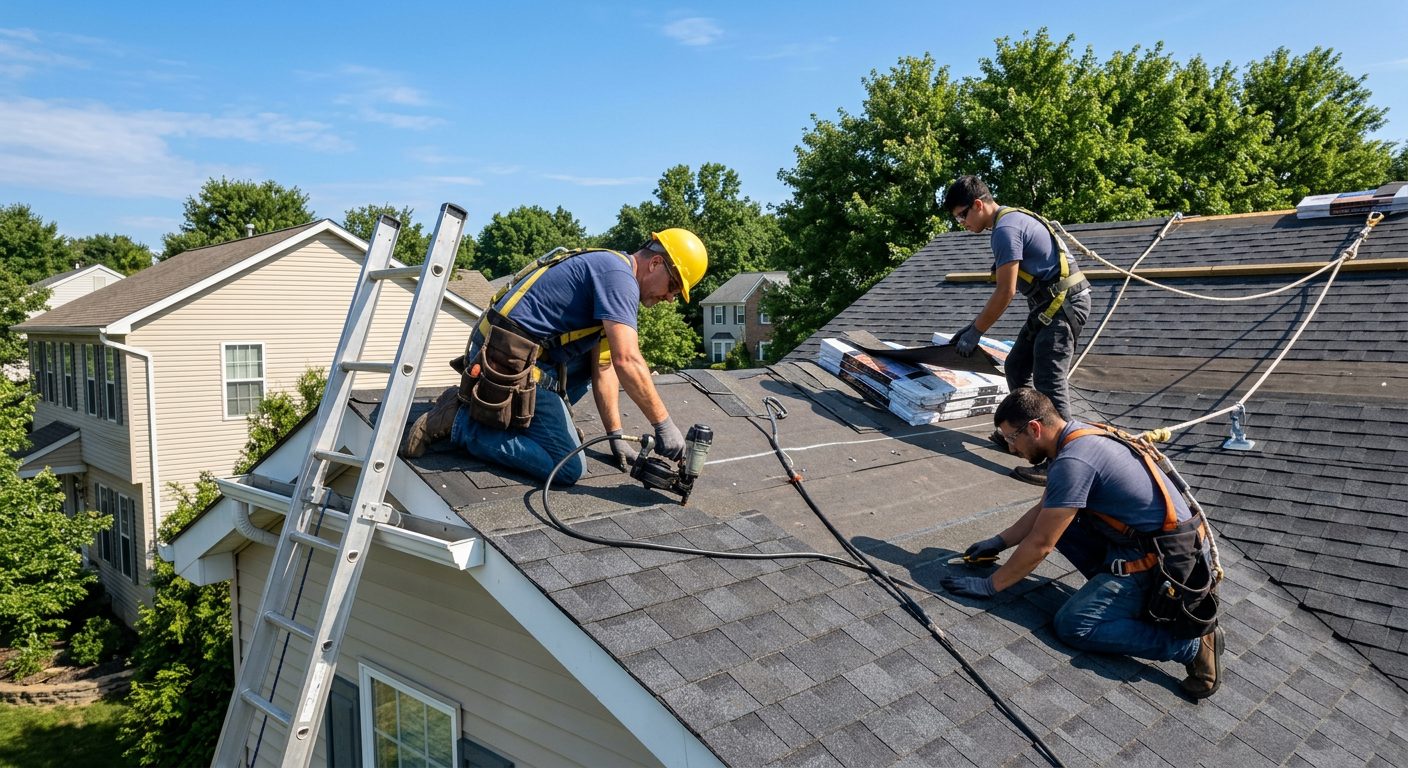 Roofing One- to three-day jobs, weather stops, new site every week.
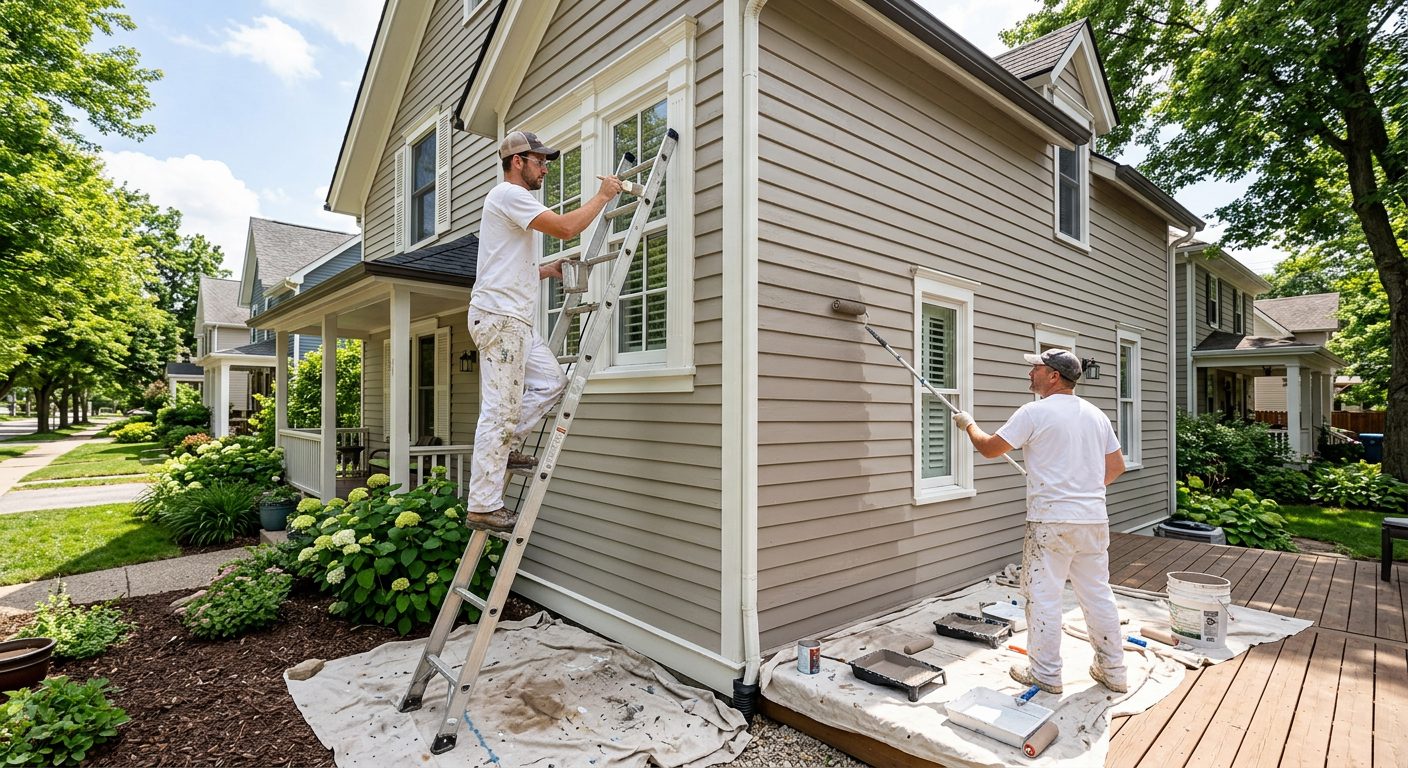 Painting Interior and exterior jobs, crews that move mid-week.
 Solar installation A house or two a day, rural roads, big utility sites.
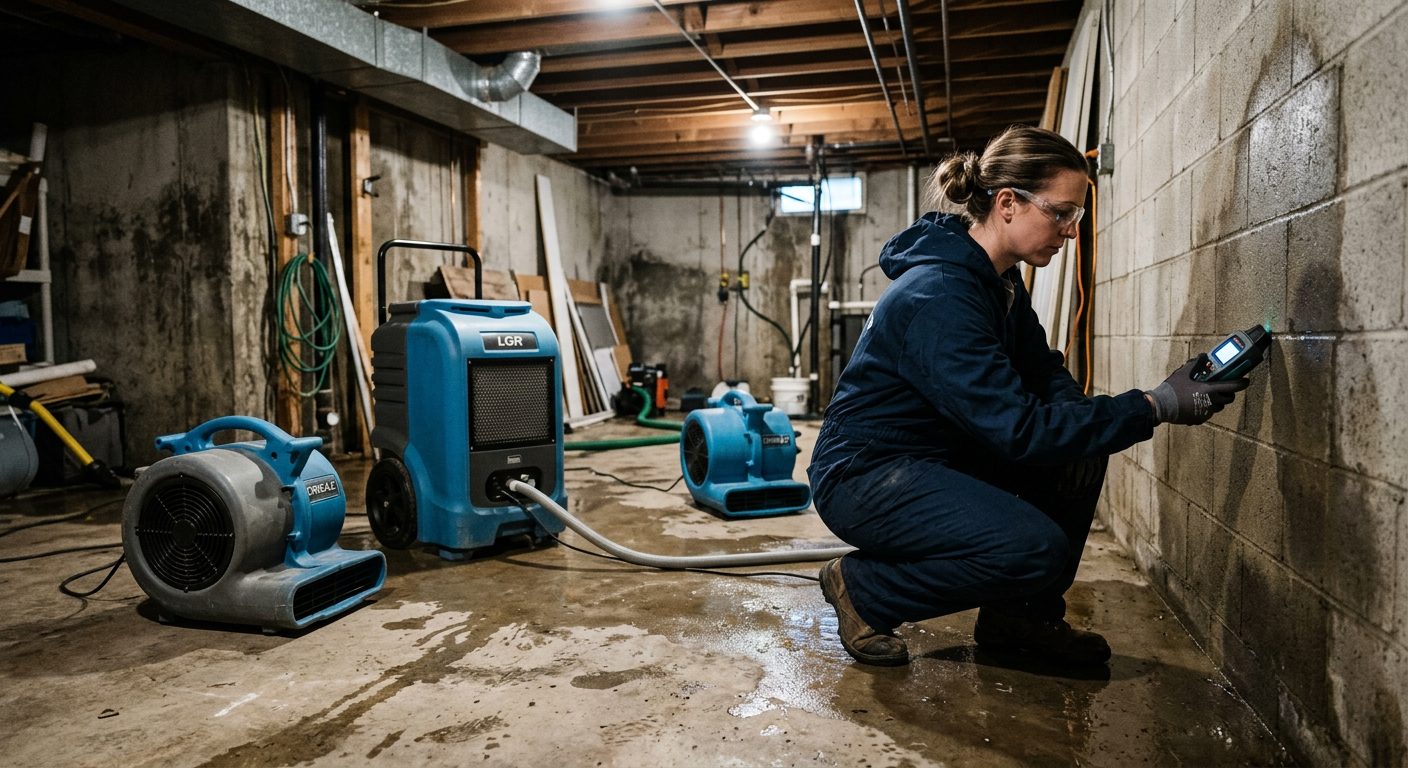 Restoration Emergency calls, drying visits, basements with no bars.
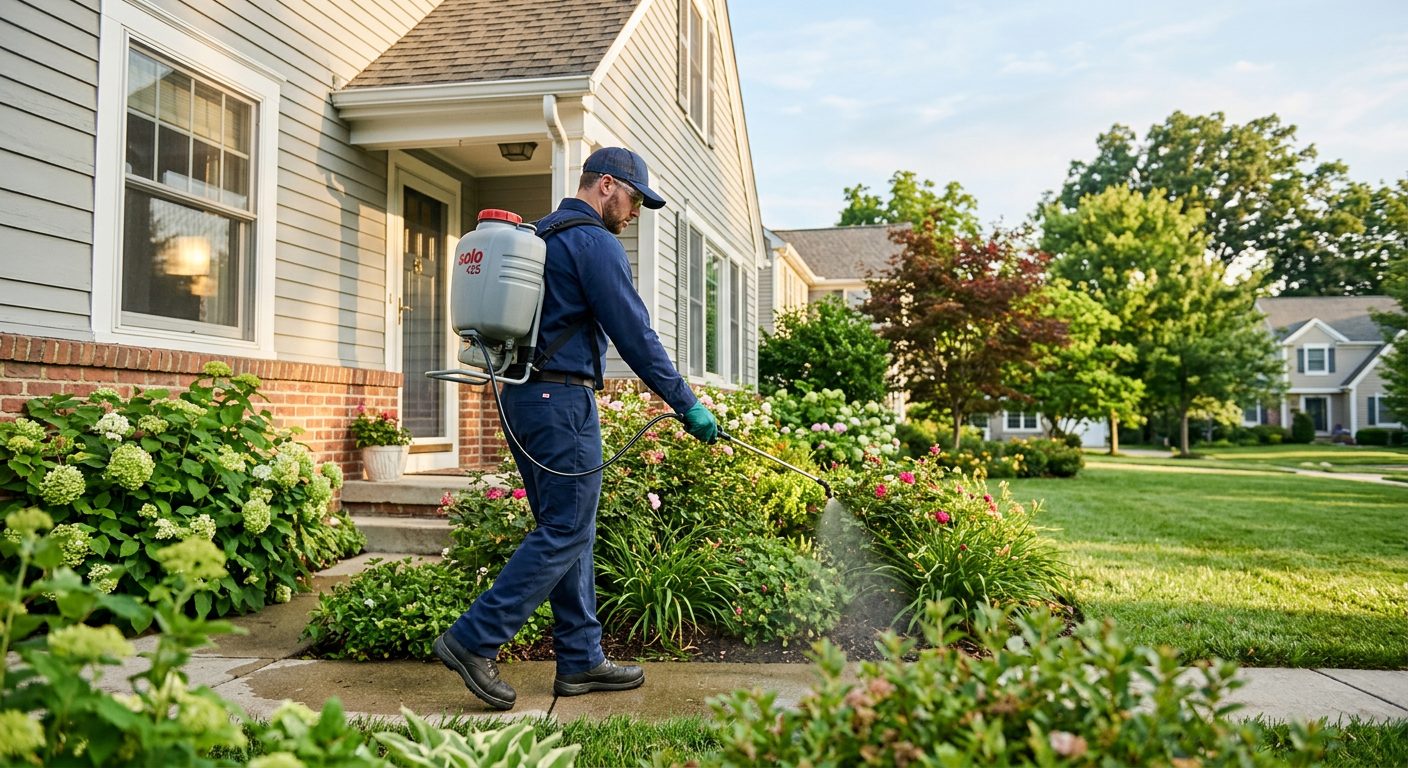 Pest control Commercial accounts and crews on recurring sites.
 Security guards Fixed posts, night shifts and reliefs that start on time.
 Agriculture Seasonal crews, large fields, no signal on the back forty. Events and catering A new venue every day and temporary staff.
Add the venue of your next event, invite the crew with the QR code and let them clock in. On Monday you'll have the hours per person and per event. The trial lasts 15 days, needs no credit card and doesn't bill when it ends.